AR Code Object Capture
 AR Splat
 AR GenAI
 AI Code / AI Try-On
 AR Face Filter
 AR Video
 3D Files Upload
 AR Logo
 AR Photo
 AR Portal
 AR Text
 AR Data API
 Education & Schools
 E-commerce Brands & Online Stores
 Fitness & Sports Clubs
 Manufacturing, Training & Safety
 Marketing Teams & Agencies
 Museums & Exhibitions
 Real Estate & Property Marketing
 Restaurants & Cafés
 Retail Stores & Showrooms
 Smart Cities & Urban Development
 Books, Guides & Magazines
 Business Cards
 Event Posters & Banners
 Event Tickets & Access
 Flyers & Brochures
 Labels & Product Information
 Machinery & Equipment
 Product Packaging
 Websites & Online Stores
Free 3D Printing STL Files: Printable 3D Objects to Download
3D Models | 04/06/2026 |
Accelerate business innovation and streamline product development by leveraging downloadable 3D printable STL files for every AR Code 3D model on the AR Code SaaS platform. This powerful feature enables companies to transform interactive augmented reality models into tangible 3D-printed prototypes, connecting digital visualization and rapid prototyping for efficient workflows and boosted customer engagement. Centralize your AR and 3D printing operations with one platform to enhance design, increase marketing effectiveness, and elevate client experiences across multiple industries.
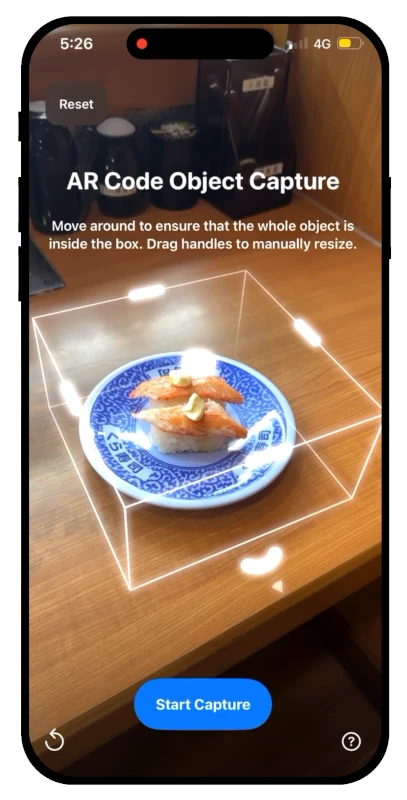
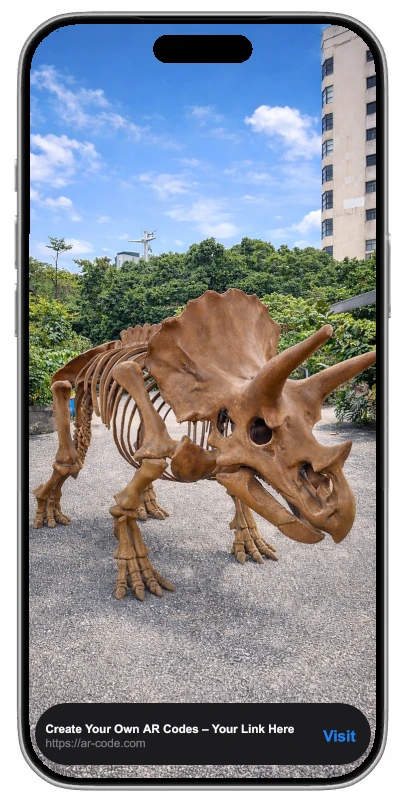
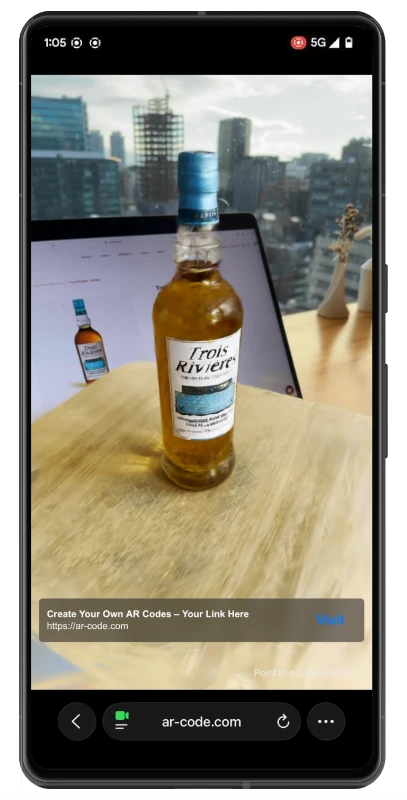
AR Code originally provided GLB and USDZ file downloads for seamless integration with web and iOS AR apps. Now, all compatible AR Code model experiences also include STL file downloads for immediate 3D printing. Instantly transfer AR assets to your 3D printer, accelerating the transition from AR visualization to physical prototypes, all managed on a user-friendly platform. See how Object Capture transforms 3D model creation for your business.
STL Downloads Available for Every AR Code 3D Model
Deliver industry-standard file types for any business need with AR Code 3D model experiences:
- .GLB (designed for web, Android, and real-time 3D visualization)
- .USDZ (ideal for iOS AR and Apple hardware)
- .STL (perfect for 3D printing and rapid prototyping)
Satisfy AR marketing, product development, and prototyping requirements from a unified SaaS platform.
Start STL Downloads With the AR Code Free Trial
Experience fast STL file downloads by starting your AR Code free trial. Move from AR model design to print-ready 3D prototypes in minutes, ideal for businesses in marketing teams agencies, education schools, manufacturing training safety, and design, seeking modern and efficient AR-enabled workflows.
Simple process for creating AR Text AR experiences:
- Create your AR Text experience
- Access the AR Code Statistics page
- Download the STL file
- Slice and print with your 3D printer
See how to create impactful AR Text experiences with the step-by-step 3D text tutorial.
Free Curated 3D STL Model Downloads for Business
Access a curated library of CC0-licensed 3D models, optimized for AR display and ready for STL download. These models are perfect for professional 3D printing, business presentations, and fast concept validation in the workplace.
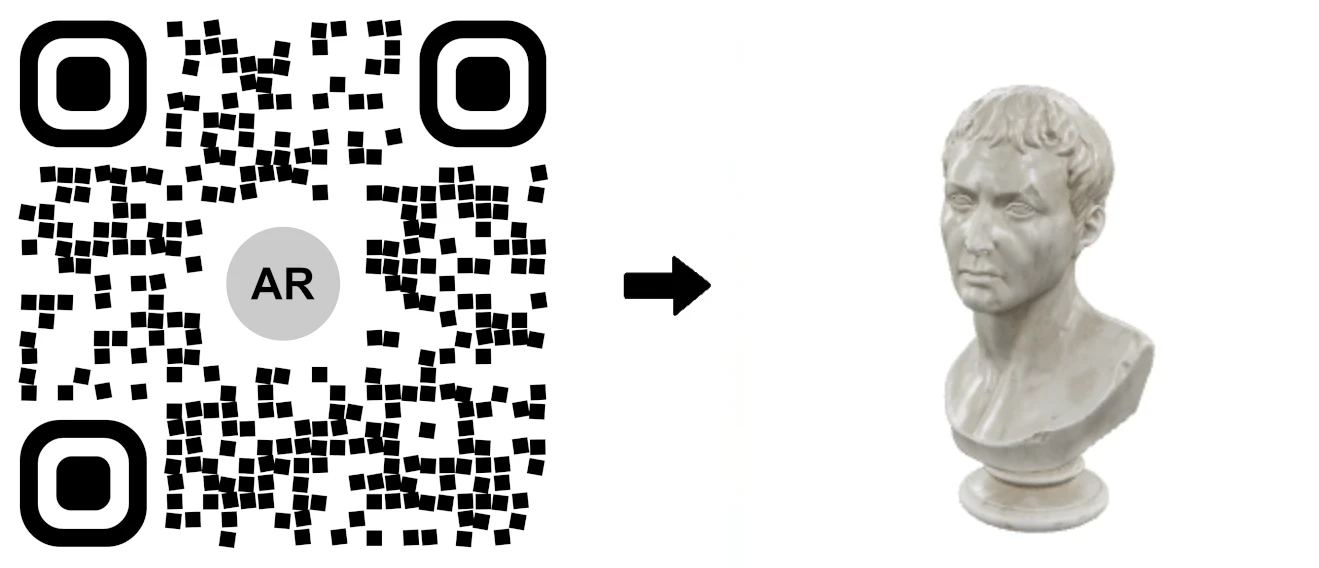
Antique Marble Bust Statue 3D Model
Outdoor Statue Okinawa (3D scan)
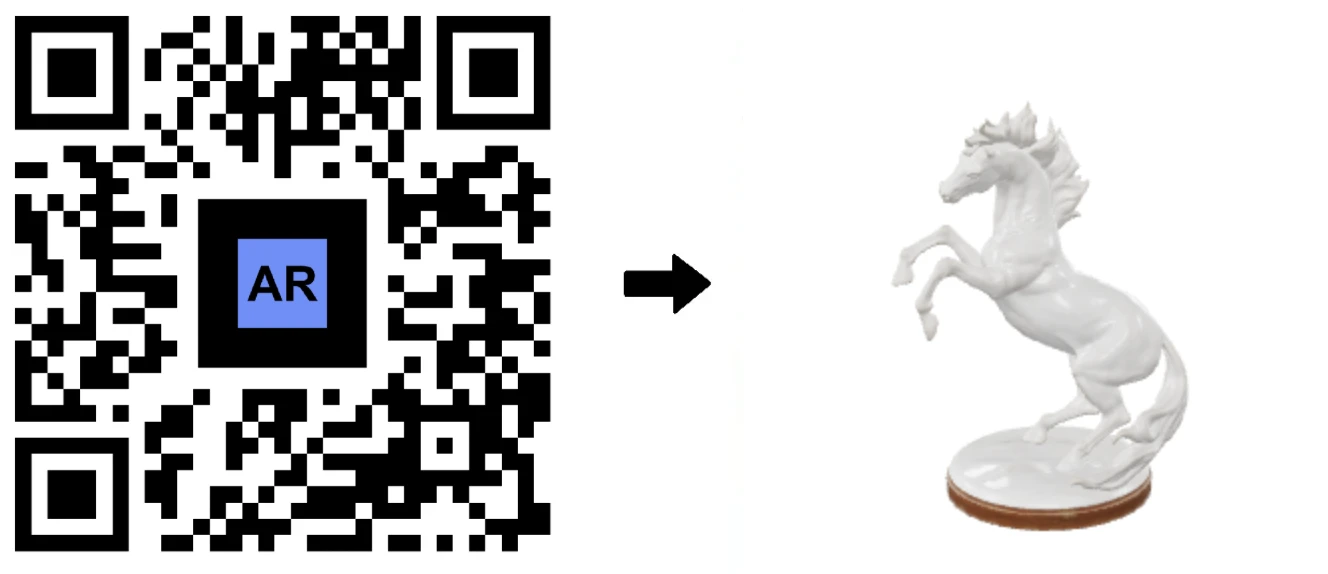
3D Model of Porcelain Horse Statue with AR Code
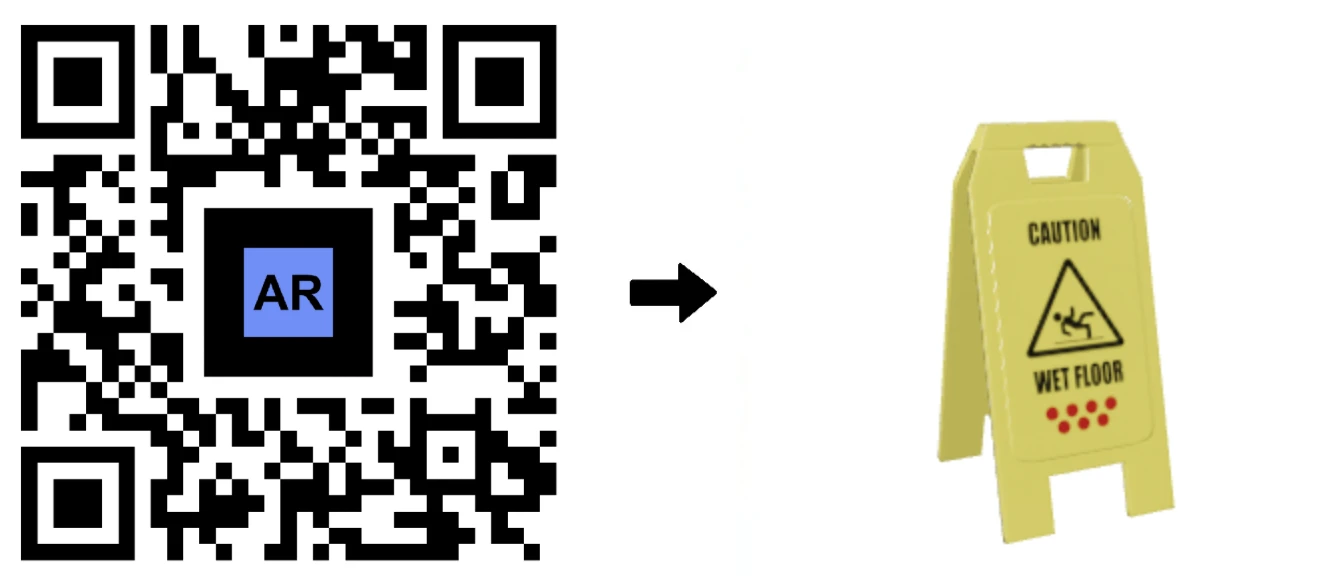
3D Model of a Safety Wet Floor Sign, with Its AR QR Code
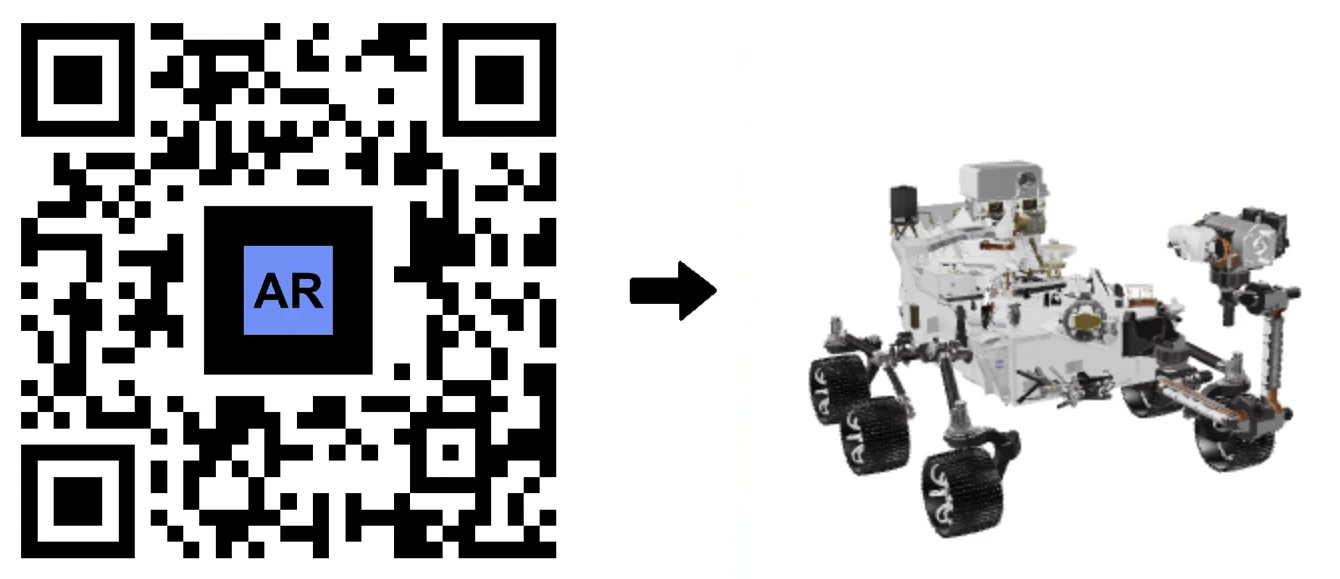
Nasa Perseverance Robot 3D AR Code
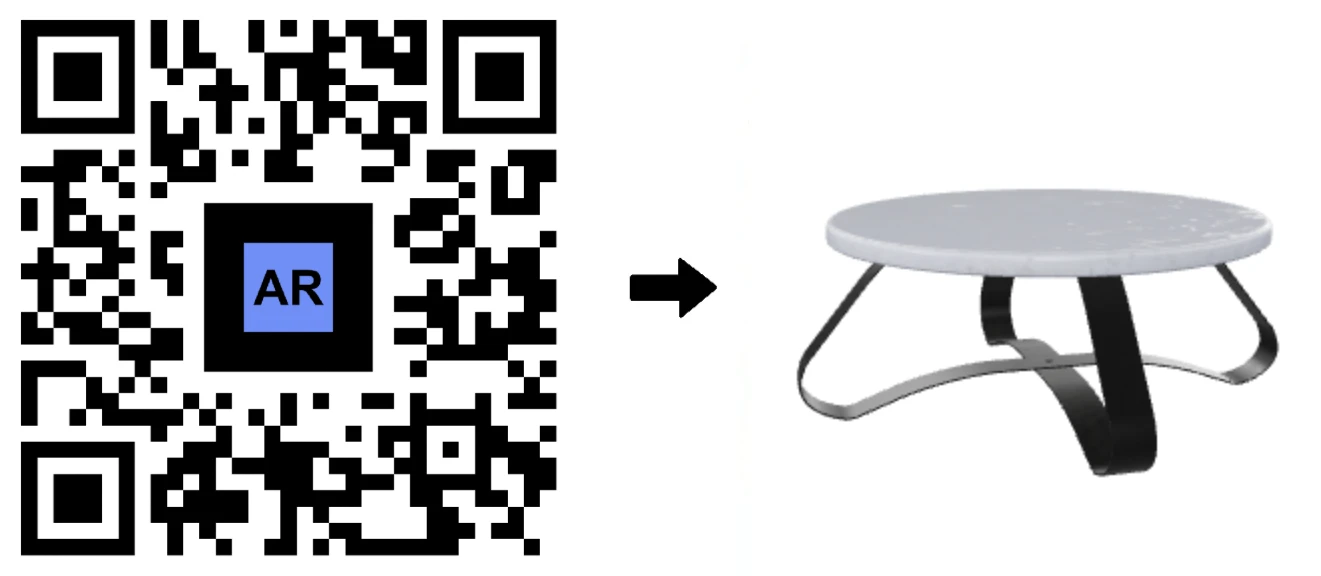
Modern Art Design Coffee Table in AR
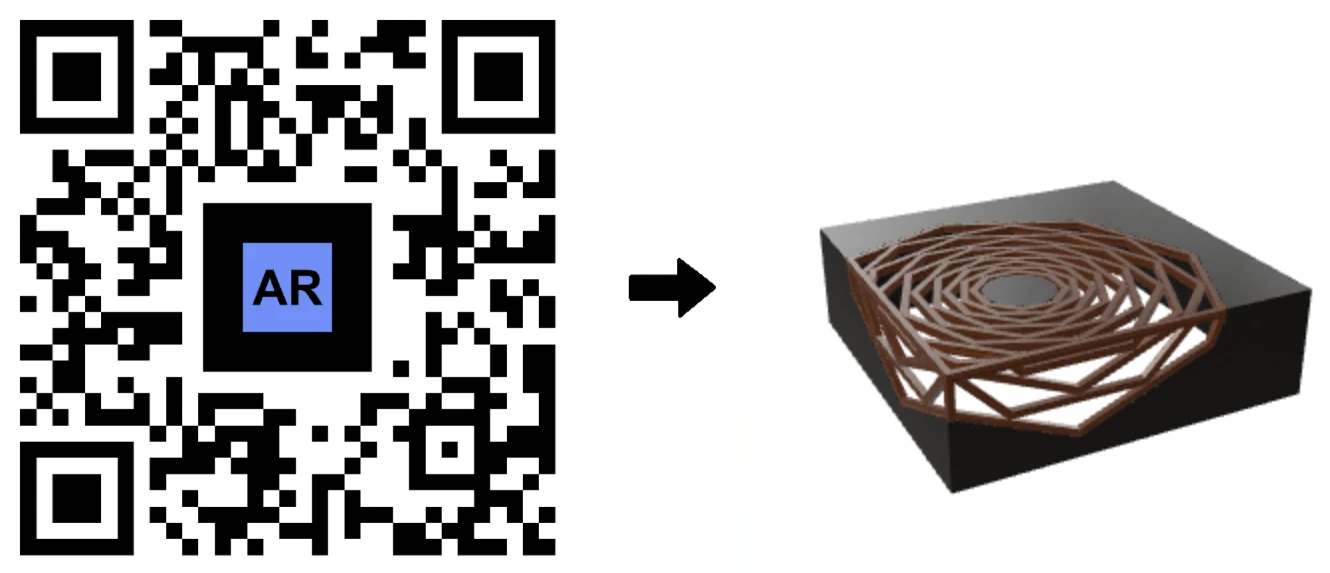
White Round Coffee Table 3D Model
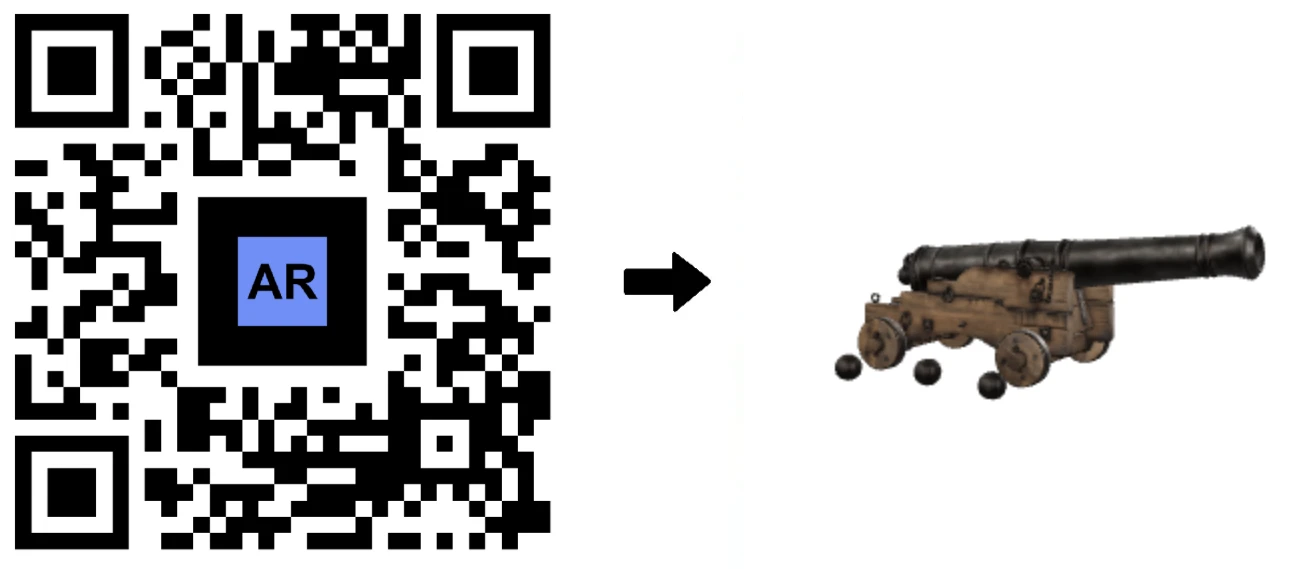
Historic Naval Artillery Cannon 3D Model for AR Experience
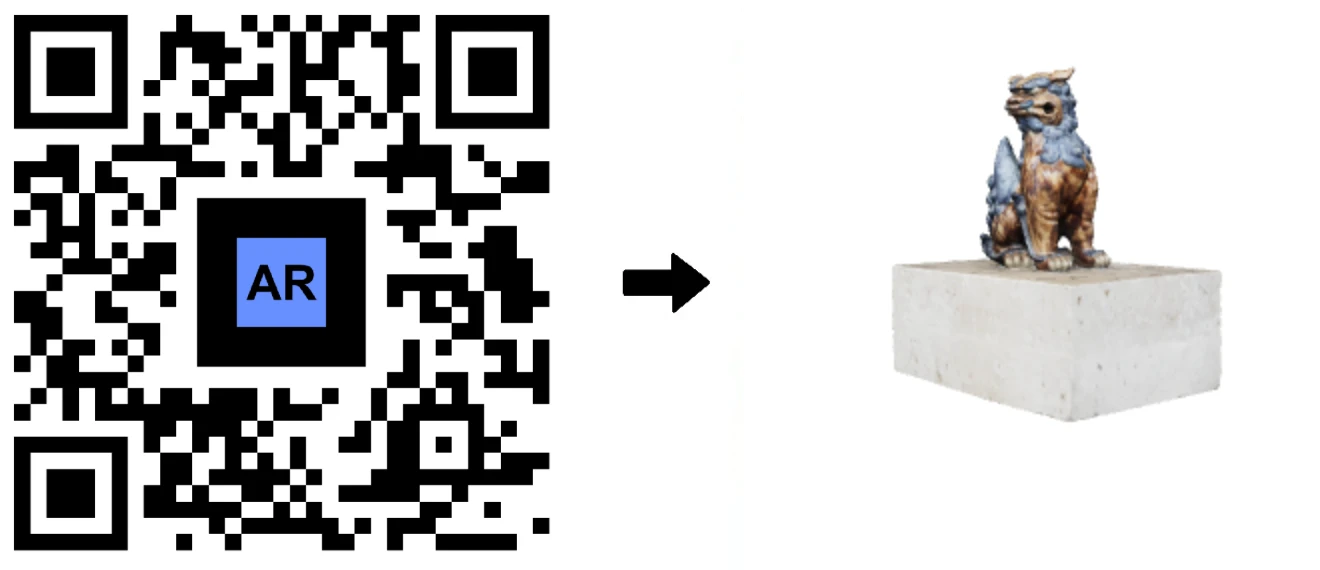
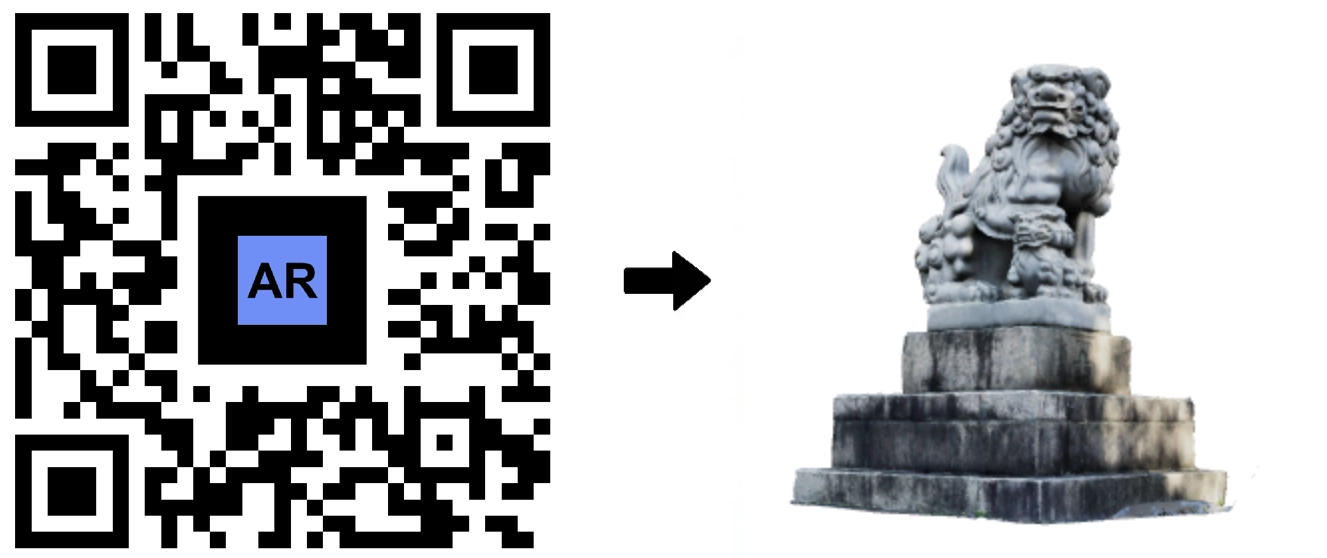
Japan Temple Lion Statue (3D Scan)
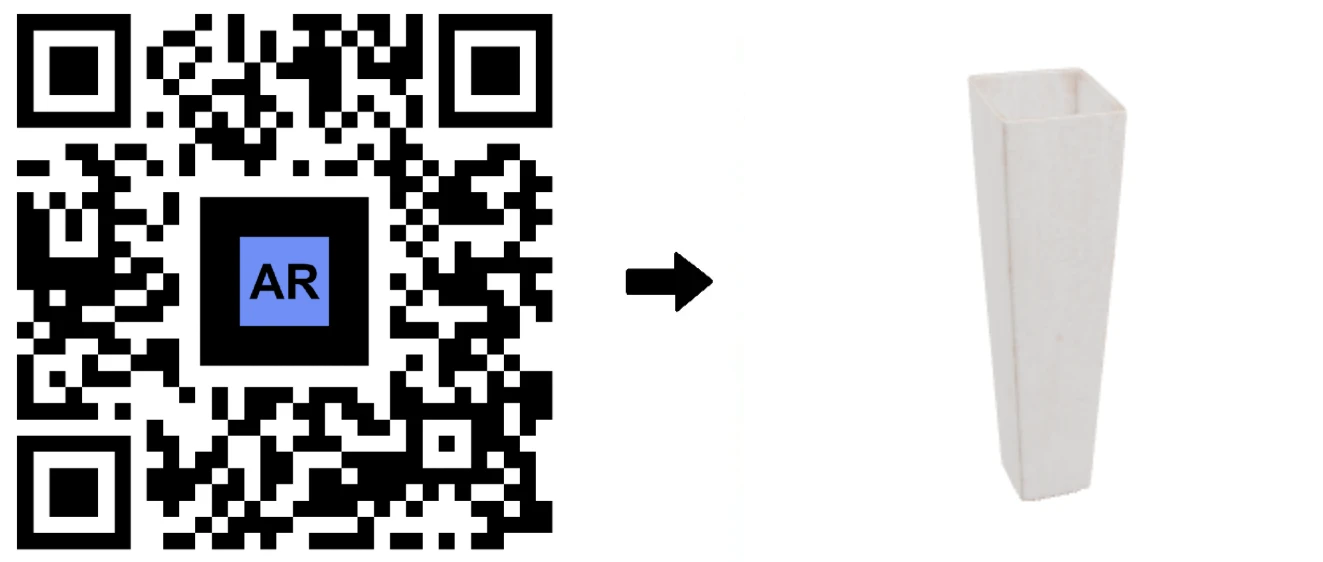
3D Model of a Designer Ceramic Vase
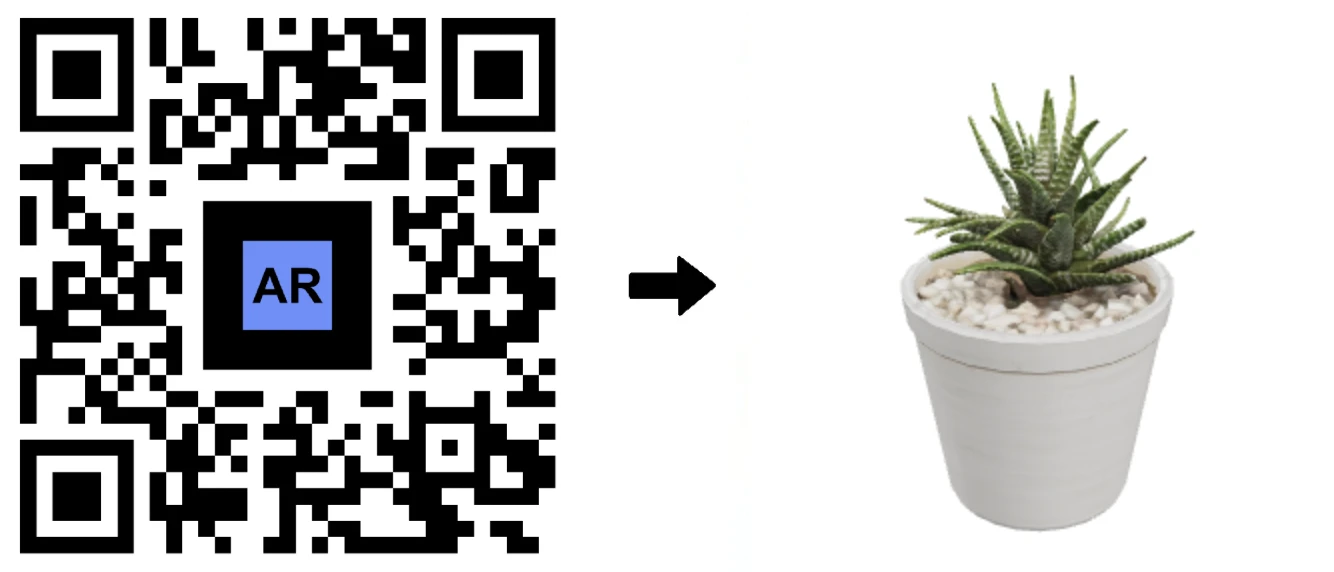
Examine Zebra Haworthia 3D Plant Model
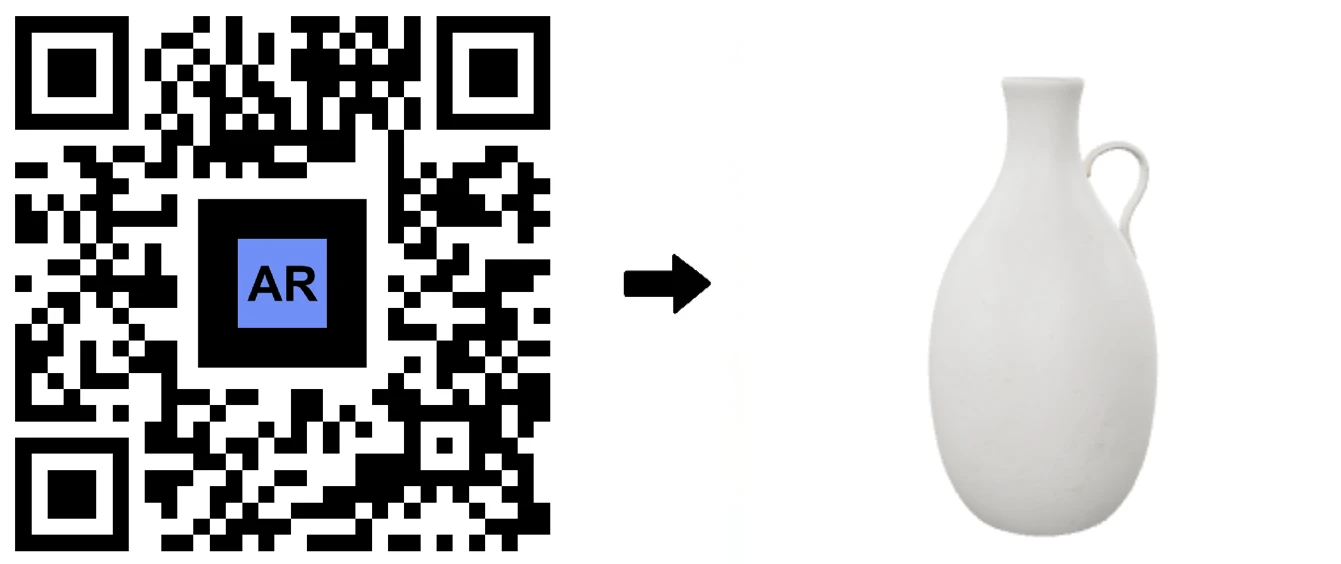
3D Model of a White Ceramic Jar with a Handle
Go from Augmented Reality Models to Real-World Prototypes
With AR Code STL downloads, your business can move effortlessly from interactive AR experiences to physical prototypes and impactful presentations. The STL file format is universally supported for 3D printing, assuring compatibility with leading slicers and most 3D printers.
STL files contain only the mesh geometry, keeping files streamlined for direct printing. Verify model scale and watertightness, then choose optimal orientation for high-quality prints.
How to 3D print your AR Code STL files:
- Import into your slicer (Cura, PrusaSlicer, Bambu Studio) and check scale
- Select materials and print settings (layer height, wall thickness, infill)
- Orient the model for ideal print success
- Add supports if needed, along with brims or rafts for adhesion
- Slice and print, then post-process (sand, paint, or finish as required)
For display models, use 0.2 mm layer height, 2–3 wall perimeters, and 10–20% infill. For strong prototypes, increase wall number and infill, using robust materials like PETG or ABS. Consistently maintain your printer and use quality filaments for optimal results.
AR Code enables your business to easily visualize, 3D print, and iterate both AR and physical models for a variety of professional use cases. Drive business innovation by using AR GenAI to create 3D AR content from photos and optimize your product development pipeline. Enhance your digital workflow with advanced features of the AR Code SaaS suite. Explore robust solutions like AR Photo, AR Splat, AR Portal, AR Logo, AR Data API, AR Face Filter, AI Code, and AR Video to empower business growth, engagement, and digital transformation.
Frequently Asked Questions
What is the AR Code STL download feature?
The AR Code STL download feature lets users download 3D printable STL files for eligible AR Code 3D models. This allows businesses to convert augmented reality models into physical 3D-printed prototypes directly from the AR Code SaaS platform.
Which file formats are available for AR Code 3D models?
AR Code 3D model experiences can include GLB files for web, Android, and 3D visualization, USDZ files for iOS and Apple devices, and STL files for 3D printing and fast prototyping.
How can businesses use AR Code STL files?
Businesses use AR Code STL files to make product prototypes, training models, marketing demo samples, design mockups, manufacturing training tools, and objects for business presentations. The process makes moving from AR to physical 3D printing fast and simple.
3D Models - Latest Blog Posts
Download Free Gaussian Splat 3D Models for AR and 3D visualization (.SPZ fomat)

Unlock cutting-edge spatial capture and revolutionize how your business engages customers with AR Splat from the AR Code SaaS platform. This advanced AR solution transforms real-world objects and spaces into high-fidelity Gaussian splat 3D models, purpose-built for real-time augmented reality integration and...
Free AI-Generated AR 3D Models (GLB, USDZ, STL) for Augmented Reality & 3D Printing

Drive business growth and boost product engagement with advanced augmented reality experiences using ar genai on the AR Code SaaS platform. Ar genai combines generative AI and AR to transform any image into a detailed, interactive 3D model. Upload your product photo and instantly generate AR-ready assets—no...
Download Free Photogrammetric 3D Models in GLB, USDZ and STL (3D printing) Formats
Accelerate your business growth with AR Code Object Capture, the premier SaaS solution for 3D scanning, photogrammetry, and augmented reality. Create accurate, photorealistic 3D models and easily deploy them for AR, VR, e-commerce, marketing, and product visualization. Each AR project features a downloadable .STL...
AR Portals' 3D Models in GLB and USDZ Formats
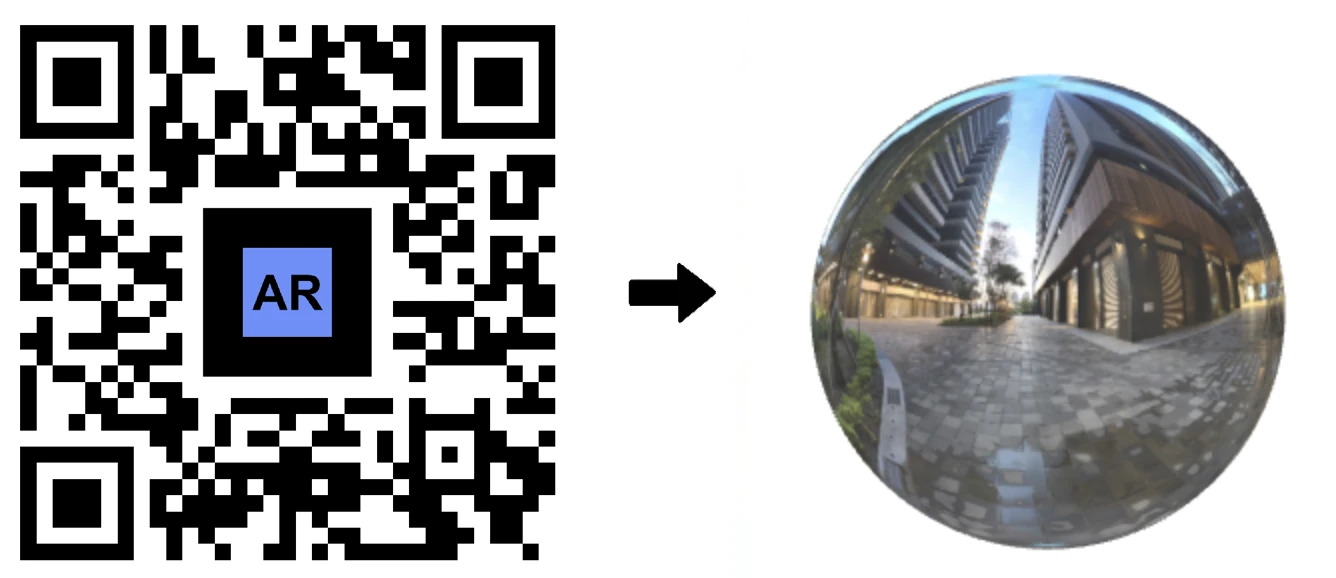
Enhance your business marketing with transformative Augmented Reality Portals from AR Code. AR Portals deliver immersive experiences that captivate your audience, strengthen brand recognition, and increase conversions. With the AR Code SaaS platform, businesses can showcase products, promote services, and guide...
Furniture AR Codes and Their 3D Models in GLB, USDZ and STL (3D printing) Formats
Accelerate your business growth and boost customer engagement with AR Code SaaS solutions, the top platform for virtual interior design, 3D furniture visualization, and interactive product demonstrations. Every 3D model AR experience on AR Code comes with a downloadable .STL file for fast, seamless 3D printing....
Brands' AR Logos and Their GLB, USDZ and STL (3D printing) 3D Models
Increase brand visibility and engage customers with the ar logo solution from AR Code, the leading SaaS platform for augmented reality in business. Every 3D AR logo created with AR Code features a downloadable .STL file, enabling easy and rapid 3D printing. Transform your company’s static .SVG logos into dynamic AR...
AR 3D Models of Concept Cars and Auto Parts in GLB, USDZ and STL (3D Printing) Formats
Supercharge your automotive marketing with advanced 3D concept car and auto part models in augmented reality using the AR Code SaaS platform. These immersive AR experiences feature downloadable .STL files for seamless 3D printing, enabling you to streamline product design, captivate customers, and increase engagement....
Industrial 3D Models GLB, USDZ, STL (3D Printing) and their AR Codes: Equipment, Tools and Machines
Transform your business with the AR Code SaaS platform, designed for efficient digital transformation using augmented reality. Instantly access a comprehensive library of 3D industrial models and deploy them in augmented reality with unique AR QR Codes for factory environments, equipment presentations, and safety...
Educational 3D Models GLB, USDZ, STL (3D Printing) and their AR QR Codes
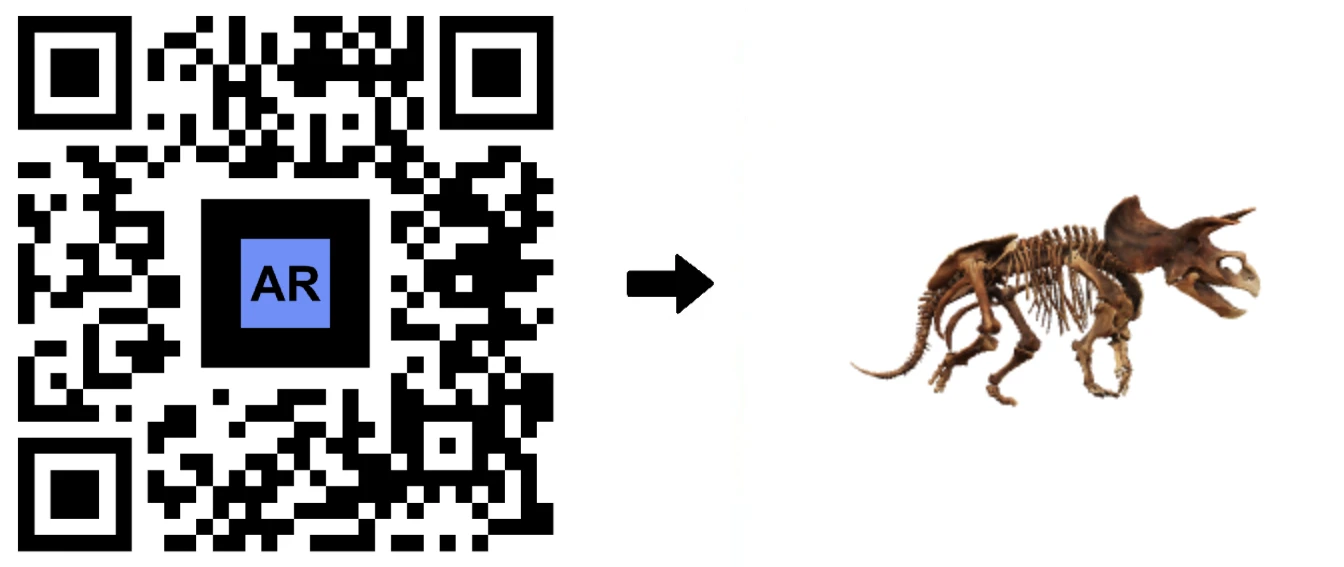
Boost business innovation with AR Code, the leading SaaS platform for scalable augmented reality experiences. Every 3D model AR experience includes a downloadable .STL file for fast 3D printing. Instantly access a robust AR-focused 3D model library and advanced tools designed for education schools, retail stores...
3D Models of Museum Artworks in GLB, USDZ and STL (3D Printing) Formats
Accelerate your business digital transformation with AR Code SaaS solutions. Deliver immersive 3D art and product experiences that increase customer engagement, boost brand visibility, and generate impactful interactions. Every 3D AR model you create on AR Code comes with a downloadable .STL file, streamlining the 3D...
161,834 AR experiences
72,034 Scans per day
148,138 Creators