AR Code Object Capture
 AR Splat
 AR GenAI
 AI Code / AI Try-On
 AR Face Filter
 AR Video
 3D Files Upload
 AR Logo
 AR Photo
 AR Portal
 AR Text
 AR Data API
 Education & Schools
 E-commerce Brands & Online Stores
 Fitness & Sports Clubs
 Manufacturing, Training & Safety
 Marketing Teams & Agencies
 Museums & Exhibitions
 Real Estate & Property Marketing
 Restaurants & Cafés
 Retail Stores & Showrooms
 Smart Cities & Urban Development
 Books, Guides & Magazines
 Business Cards
 Event Posters & Banners
 Event Tickets & Access
 Flyers & Brochures
 Labels & Product Information
 Machinery & Equipment
 Product Packaging
 Websites & Online Stores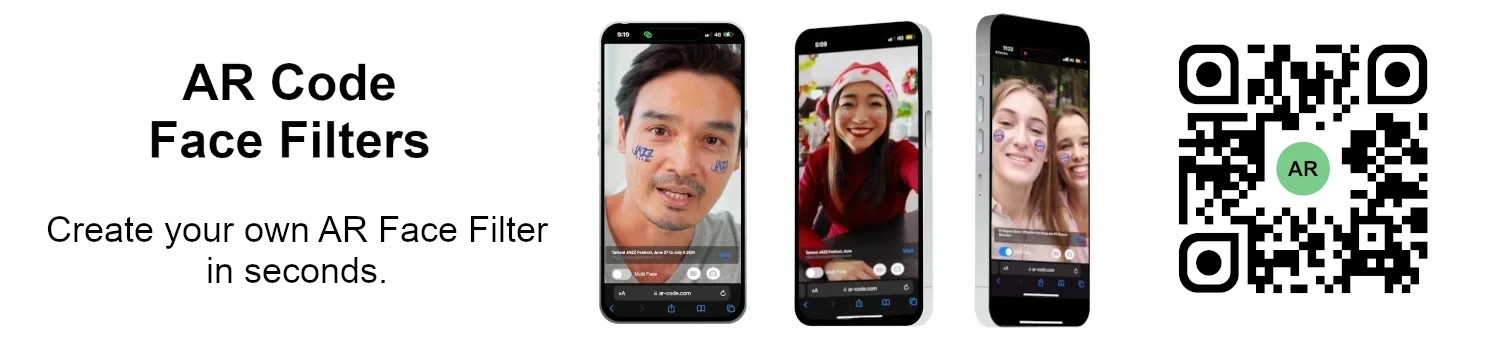
AR Code and NFCOP: The Future of NFC, QR Codes, AR & AI
AR Code Tech | 10/10/2026 |
The physical world is becoming a gateway to digital experiences. Augmented Reality (AR), Artificial Intelligence (AI), Near Field Communication (NFC), and QR Code technology now make it possible to connect products, printed materials, and physical locations to interactive content that people can access directly from their smartphones.
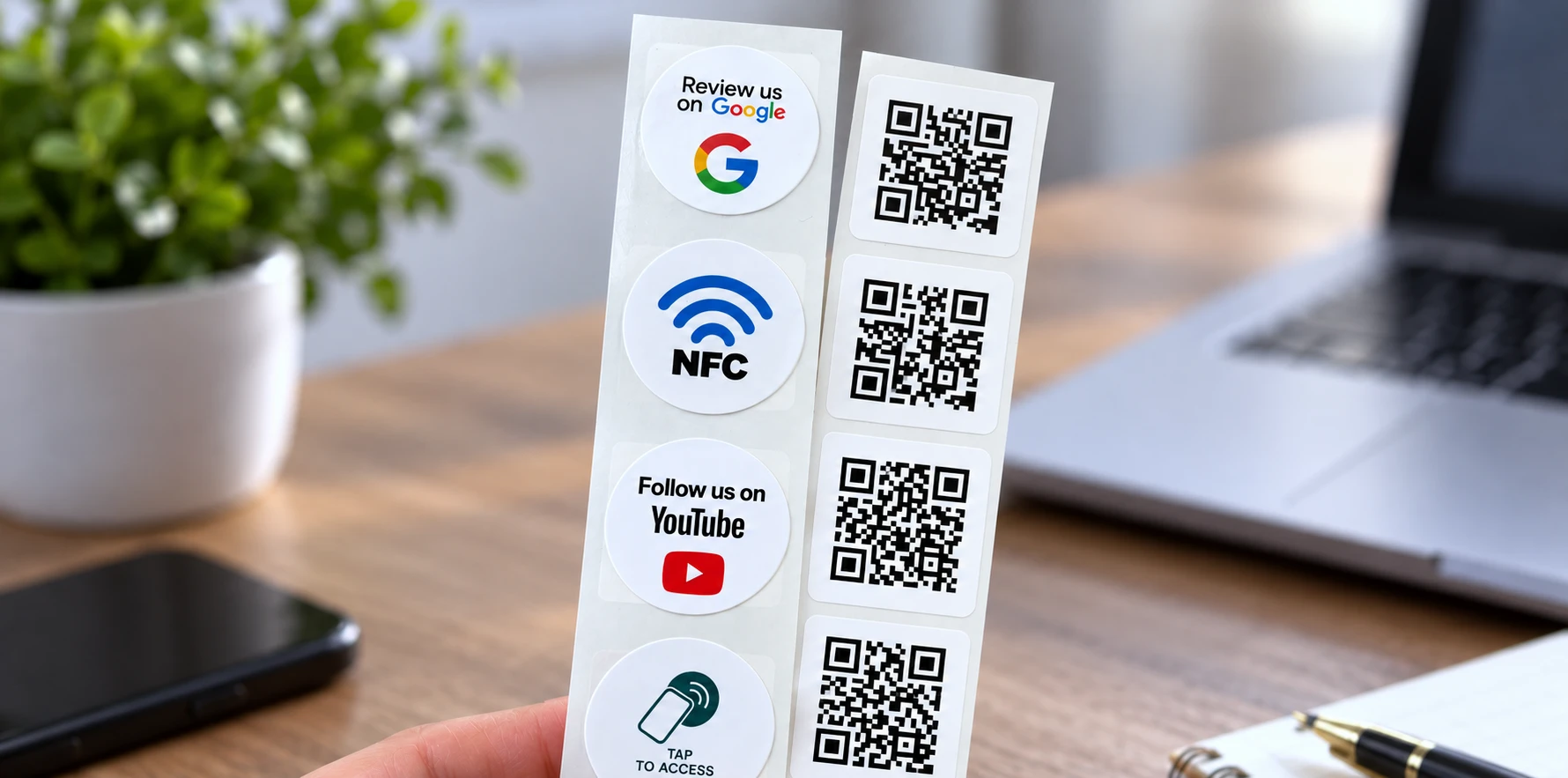
Two complementary platforms, AR Code and NFCOP , help businesses build this connection. AR Code provides the tools to create, host, manage, and track immersive AR and AI experiences. NFCOP produces custom-printed, pre-encoded NFC stickers with matching QR Code stickers that link physical touchpoints to those experiences.
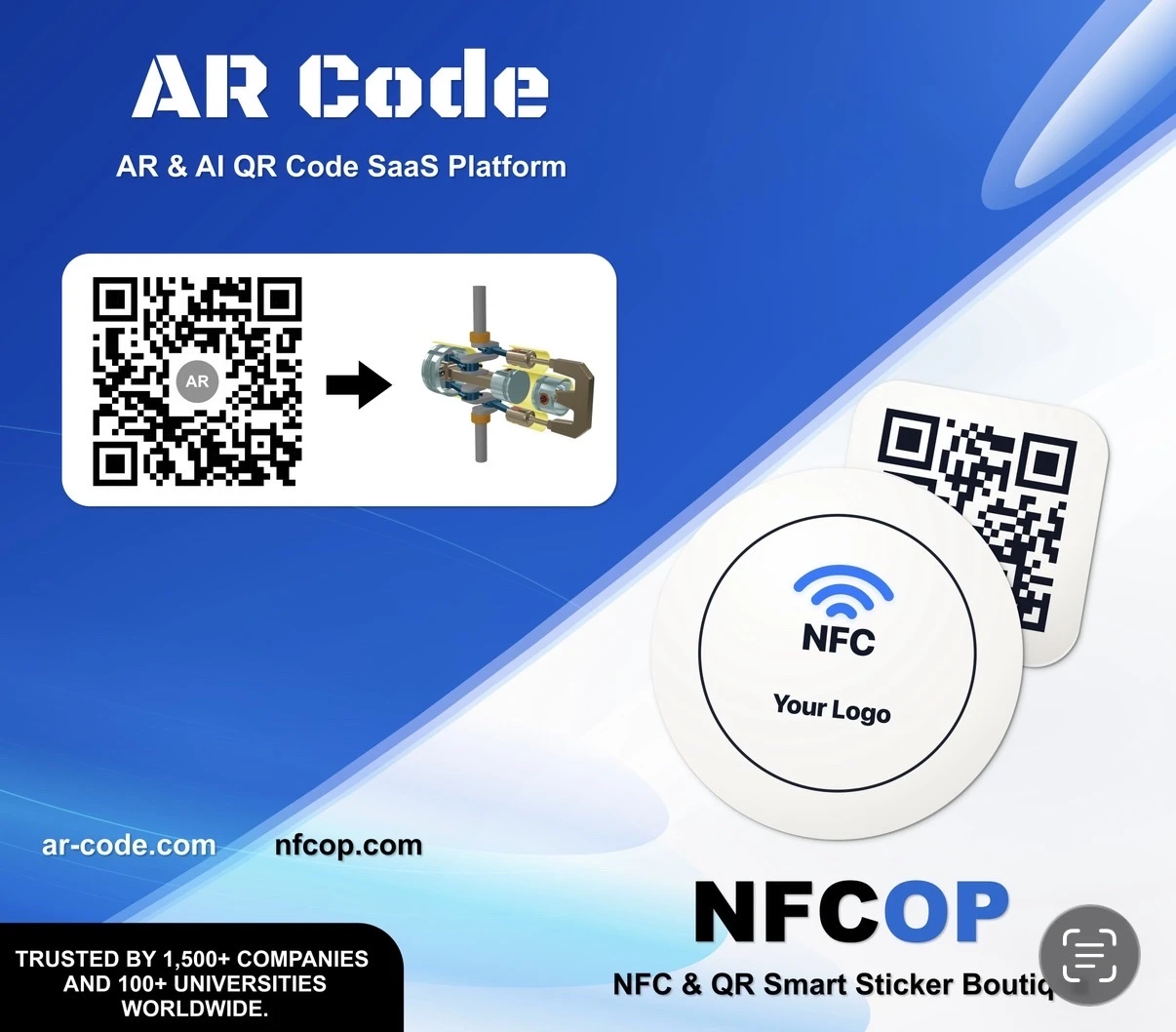
Together, they offer a practical workflow: create an AR or AI experience, connect it to a URL, deploy that URL on physical stickers, and measure how audiences interact with the resulting experience . No dedicated application is required for supported smartphone and web-based experiences.
Why Combine Augmented Reality, AI, NFC, and QR Codes?
Augmented reality can make a product demonstration more visual, a museum exhibit more informative, or an industrial instruction easier to understand. But creating compelling content is only one part of deployment. Businesses also need an accessible way for people to discover it while standing in front of the relevant product, display, or machine.
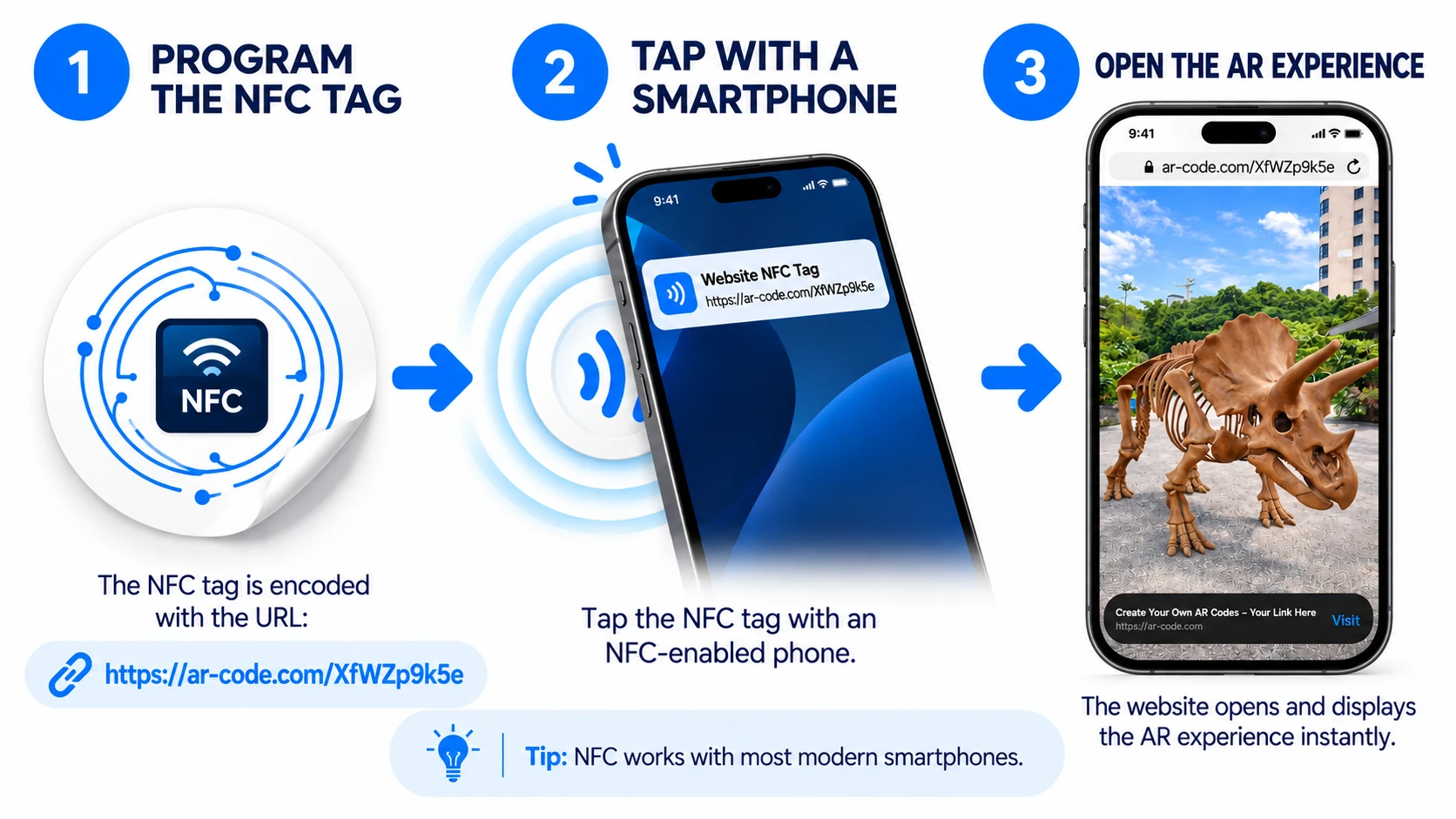
AR Code makes digital experiences available through AR QR Codes and web links. NFCOP adds a second physical entry point: visitors can tap a compatible smartphone against an NFC sticker or scan its matching QR Code sticker to open the same destination.
- Tap with NFC: Hold a compatible smartphone near a pre-encoded NFC sticker to open the linked AR or AI experience.
- Scan a QR Code: Use the phone camera to scan the matching QR Code and open the same destination.
This combined approach gives users a choice of familiar interactions. It can be applied to product packaging , product labels , event posters , retail displays, brochures, equipment labels, and other physical touchpoints.
AR Code: Create, Host, and Manage Immersive AR and AI Experiences
AR Code is a cloud-based SaaS platform for creating, publishing, updating, and tracking augmented reality content. Its AR QR Code technology is designed to work across supported iOS, iPadOS, Android, visionOS, and Meta Horizon OS devices, with compatibility options for other extended reality environments.

The platform supports several kinds of experiences, from immersive 3D objects to camera-based filters and AI-generated responses.
Immersive AR and 3D Product Experiences
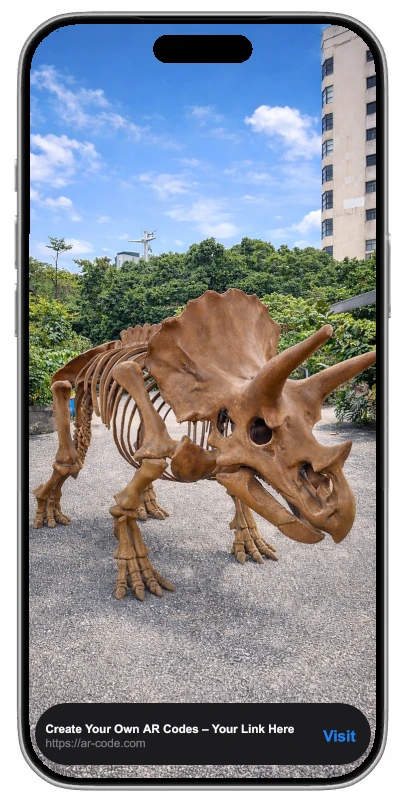
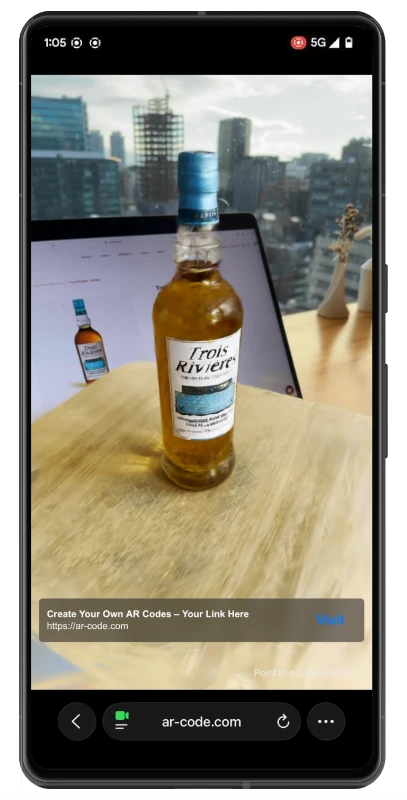
Businesses can use AR Code to display 3D models, videos, reconstructed physical objects, and panoramic environments in augmented reality. The best content-creation tool depends on the available source material and the desired result.
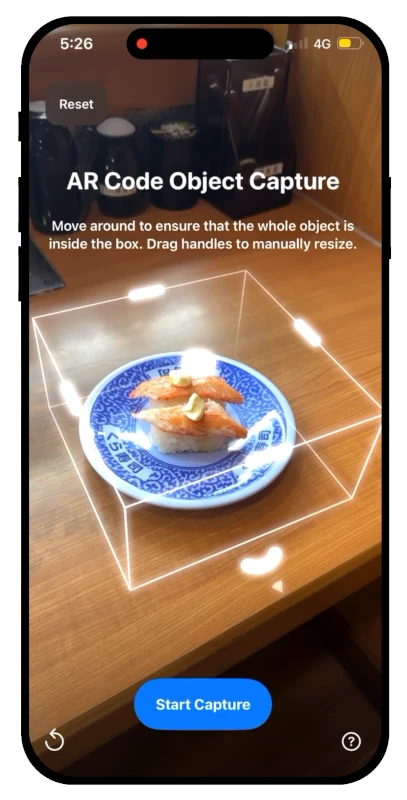
- AR Code Object Capture turns recordings of physical objects into 3D models for AR visualization.
- AR Splat creates immersive Gaussian Splatting representations, particularly useful for visually complex scenes or reflective materials.
- AR GenAI uses artificial intelligence to generate an AR-ready 3D rendering from a single photograph.
- 3D File Upload lets creators publish existing 3D assets as AR experiences.
- AR Video brings video content into augmented reality.
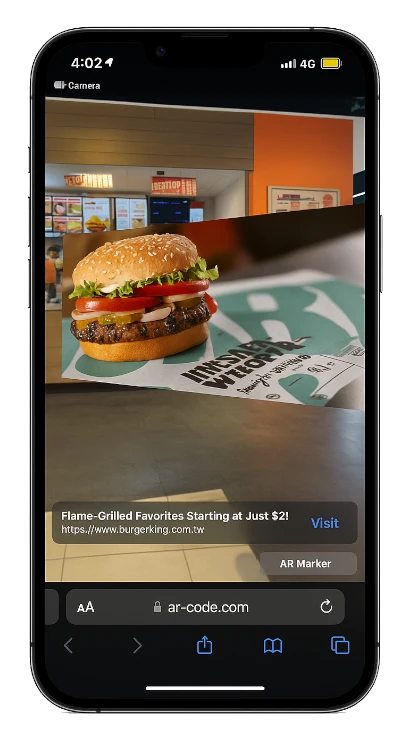
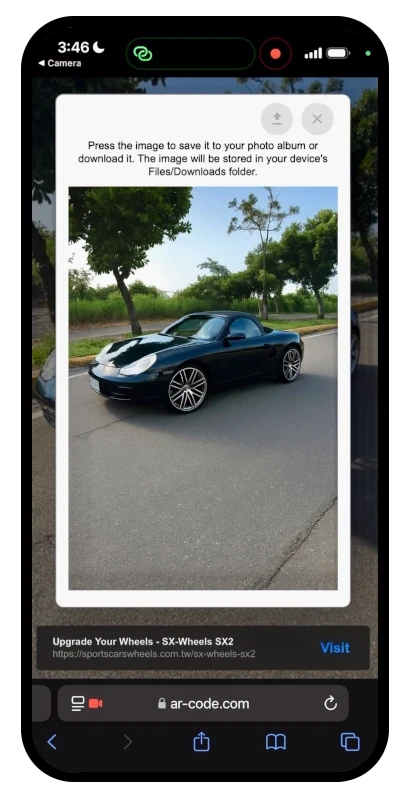
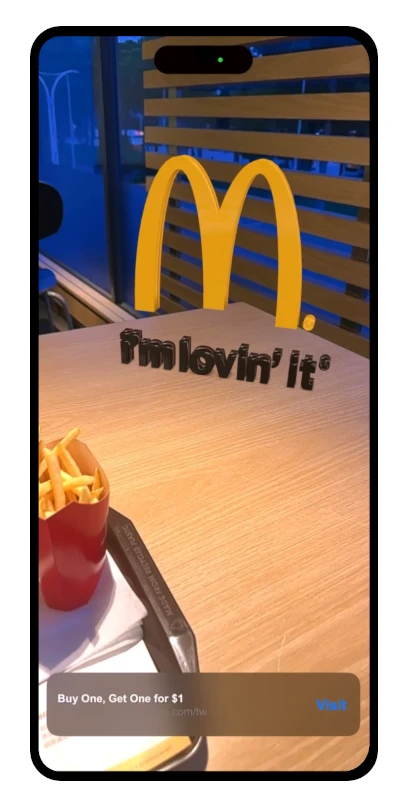
Other AR Code tools expand the types of content businesses can create. AR Photo transforms photographs and images into AR presentations, AR Portal builds immersive experiences from 360-degree imagery, AR Logo turns SVG logos into 3D brand assets, and AR Text creates three-dimensional text.
These tools can support applications ranging from product visualization to interactive publications, educational demonstrations, and branded experiences.
AR Face Filters for Brand Activations
The AR Face Filter solution enables businesses to create camera-based filters incorporating custom visual elements and branding. When an NFCOP sticker links to a Face Filter experience, event visitors or customers can open that experience with a tap or scan, subject to device compatibility.

AI Code: Connect Physical Objects to AI-Powered Experiences
AI Code takes a different approach. Instead of displaying only predefined content, an AI Code can invite the visitor to take a photograph and then use AI to analyze the submitted image according to instructions set by the experience creator.

Depending on the configuration, AI Code can generate contextual text or imagery, creating a personalized response for each interaction. A museum could use it to offer interpretive experiences around an artifact; a brand could use it for image-based product engagement; an educational display could turn a visitor's photograph into an interactive learning moment.
By directing an NFCOP sticker to an AI Code experience URL, an organization can make this AI interaction accessible directly from a physical label, counter display, or exhibit sign.
NFCOP: Turn AR and AI Links into Physical Tap-and-Scan Touchpoints
NFCOP specializes in custom NFC stickers that arrive professionally printed, encoded, and paired with matching QR Code stickers. Businesses provide a destination URL and artwork; NFCOP handles the physical production and delivery.
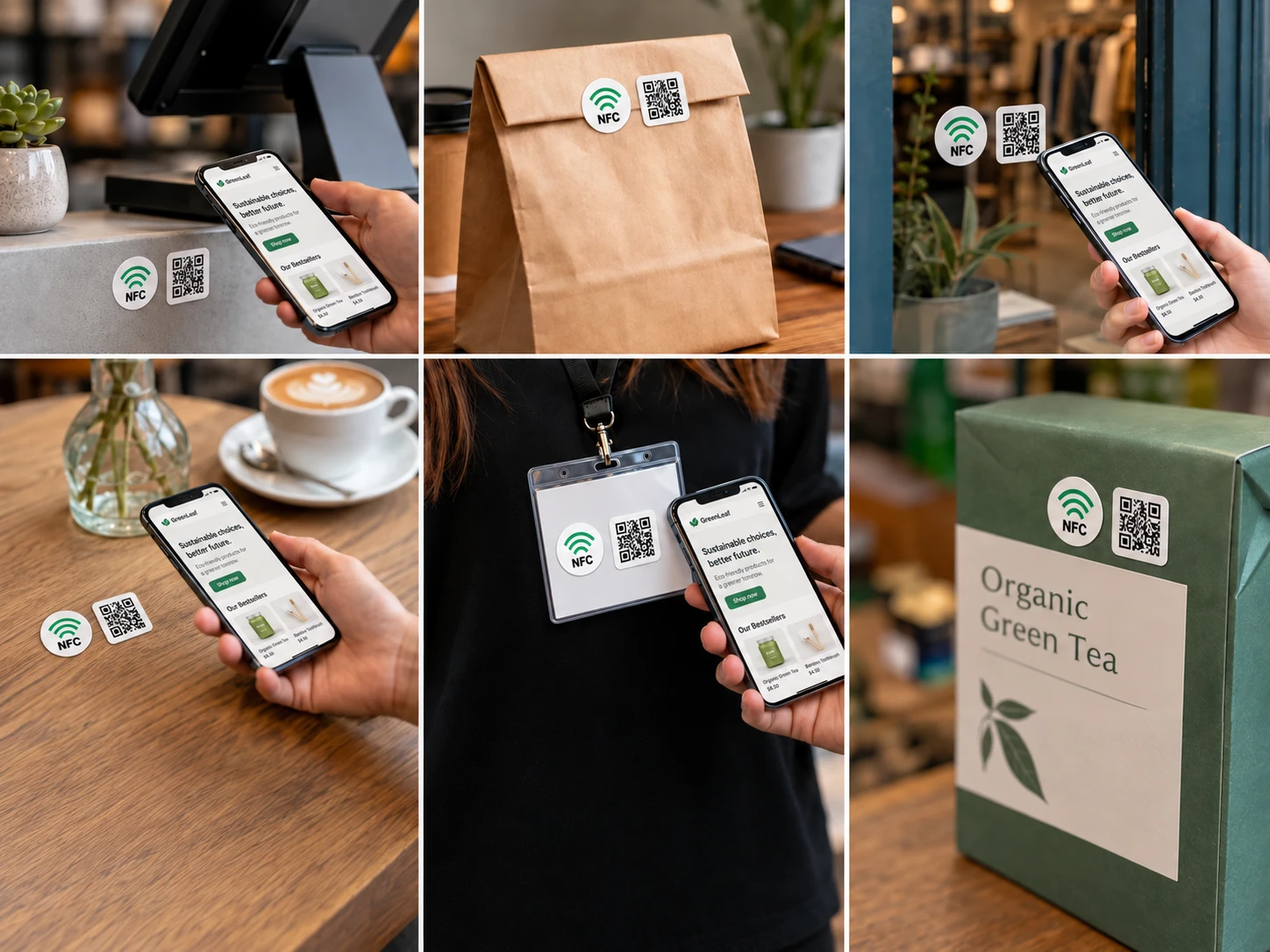
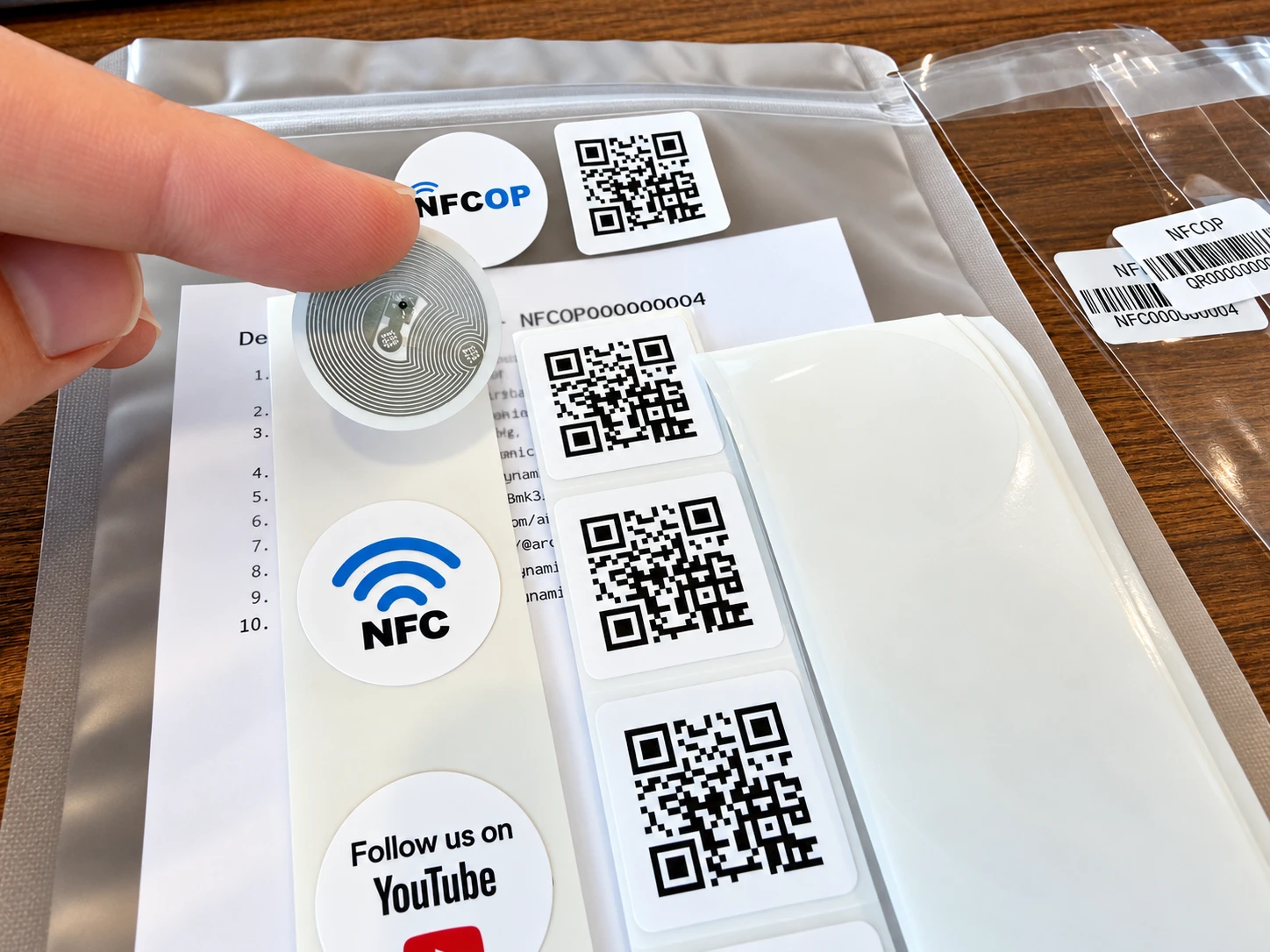
There is no need to encode NFC chips manually or source separate QR Code stickers. Each order includes NFC and QR Code stickers prepared for the same destination, along with transparent self-adhesive protective film designed to resist water, UV exposure, and scratches.
NFCOP supports most modern iOS, Android, and HarmonyOS smartphones for standard tap-or-scan link access. The NFC interaction depends on the device's NFC capabilities, while the QR Code offers an alternative when tapping is not available or convenient.
Custom Branding and Ready-to-Use Delivery
The NFCOP ordering process starts with a URL. Customers upload their own logo or image, or choose a predesigned graphic, then select the quantity and confirm the order. Multiple sticker designs can be included, each with its own destination.
NFCOP uses a pay-as-you-go credit model rather than a required subscription for sticker orders, and delivery is included at no additional shipping cost.
Dynamic URLs for Campaign Updates and Analytics
NFCOP offers an optional Dynamic URL feature. When enabled, the NFC chip and matching QR Code contain an NFCOP short link that redirects to the selected destination. The destination can be edited later without replacing the physical stickers.
This is useful for seasonal promotions, evolving product information, rotating exhibitions, and recurring events. Dynamic URLs also provide tap and scan statistics, helping teams assess traffic from their deployed links. For additional details, consult the NFCOP FAQ .
How AR Code and NFCOP Work Together: A Five-Step Workflow
Step 1: Create Your AR or AI Experience
Begin on AR Code by creating the experience that visitors will open. You might capture a physical object using Object Capture, create a 3D model with AR GenAI, upload an existing model, publish an AR Video, or configure an AI Code interaction.
Step 2: Copy the Experience URL into NFCOP
Once the AR Code experience is published, copy its destination URL and enter it into the NFCOP sticker creator . Upload your branding and select the appropriate sticker quantity. Enable Dynamic URL if you want NFCOP to provide an editable redirect and link statistics.
Step 3: Receive Printed and Encoded NFC and QR Code Stickers
NFCOP prints the artwork, encodes the destination in the NFC chips, generates the matching QR Code stickers, and prepares the order for delivery. The stickers arrive ready to be placed on suitable physical surfaces.
Step 4: Place the Stickers Where People Need Information
Install the stickers on a product package, in-store display, exhibition label, event booth, printed guide, or equipment panel. Add a clear call to action, such as “Tap or scan to view in AR†or “Tap or scan for an AI experience.â€
Step 5: Measure Results and Improve the Experience
Use AR Code's experience analytics to examine engagement, device information, and geographic trends. If NFCOP Dynamic URLs are enabled, use their link statistics to understand interaction with deployed tap-and-scan touchpoints.
AR Code also provides tools for organizing and updating experiences, campaign measurement, retargeting, and enterprise teamwork. For experiences needing external data, the AR Data API offers a way to connect supported AR content with data-driven updates.
What Does Each Platform Contribute?
| Deployment Layer | AR Code | NFCOP |
|---|---|---|
| Content | Immersive 3D, AR Videos, Face Filters, and AI Code experiences | Links physical touchpoints to the destination URL |
| Access | AR QR Codes and web-based experience URLs | Pre-encoded NFC stickers and matching QR Code stickers |
| Production | Digital content creation, publishing, and cloud hosting | Custom printing, NFC encoding, QR preparation, and delivery |
| Updates | Manage and edit supported AR and AI experiences | Optional Dynamic URL redirects for changing destinations |
| Measurement | AR experience and campaign analytics | Dynamic-link tap and scan statistics |
The combination is straightforward: AR Code provides the immersive experience; NFCOP helps anchor access to that experience in the physical world. Using one platform does not require a native software integration with the other: the connection is made through a standard destination URL.
Real-World Uses for NFC-Enabled AR and AI Experiences
Product Packaging, Ecommerce, and Retail
Brands can connect packaging and product labels to interactive product demos, 3D models, and AI-driven assistance. The same content can support ecommerce brands and online stores , as well as retail stores and showrooms .
A shopper could tap a sticker beside a display product to see a 3D visualization, or scan a label at home to access product instructions. AR experiences can also be linked from websites and online storefronts to extend the same campaign beyond the physical location.
Museums, Galleries, and Education
For museums and exhibitions , NFC and QR stickers can lead visitors to immersive reconstructions, contextual 3D content, or AI-powered storytelling associated with an artifact. The same concept supports education and schools by making classroom objects, lab stations, and teaching materials interactive.
Publishers can also enrich books, guides, and magazines with AR illustrations and supplementary digital material accessed through printed codes or nearby stickers.
Manufacturing, Equipment, and Safety
Industrial organizations can use NFCOP labels to connect machinery and equipment to visual maintenance instructions, 3D demonstrations, and relevant technical documentation. This can complement manufacturing training and safety workflows, especially when information is most useful beside the physical machine.
Events, Advertising, and Business Networking
Marketing teams and agencies can turn event posters and banners , flyers and brochures , and event tickets into gateways to branded AR content. Business cards can similarly direct new contacts to interactive presentations or digital portfolios.
Because NFCOP supports multiple sticker designs and Dynamic URLs, organizers can deploy links across booths, entrance areas, and promotional materials while updating destination pages as an event progresses.
Restaurants, Fitness Clubs, Real Estate, and Smart Cities
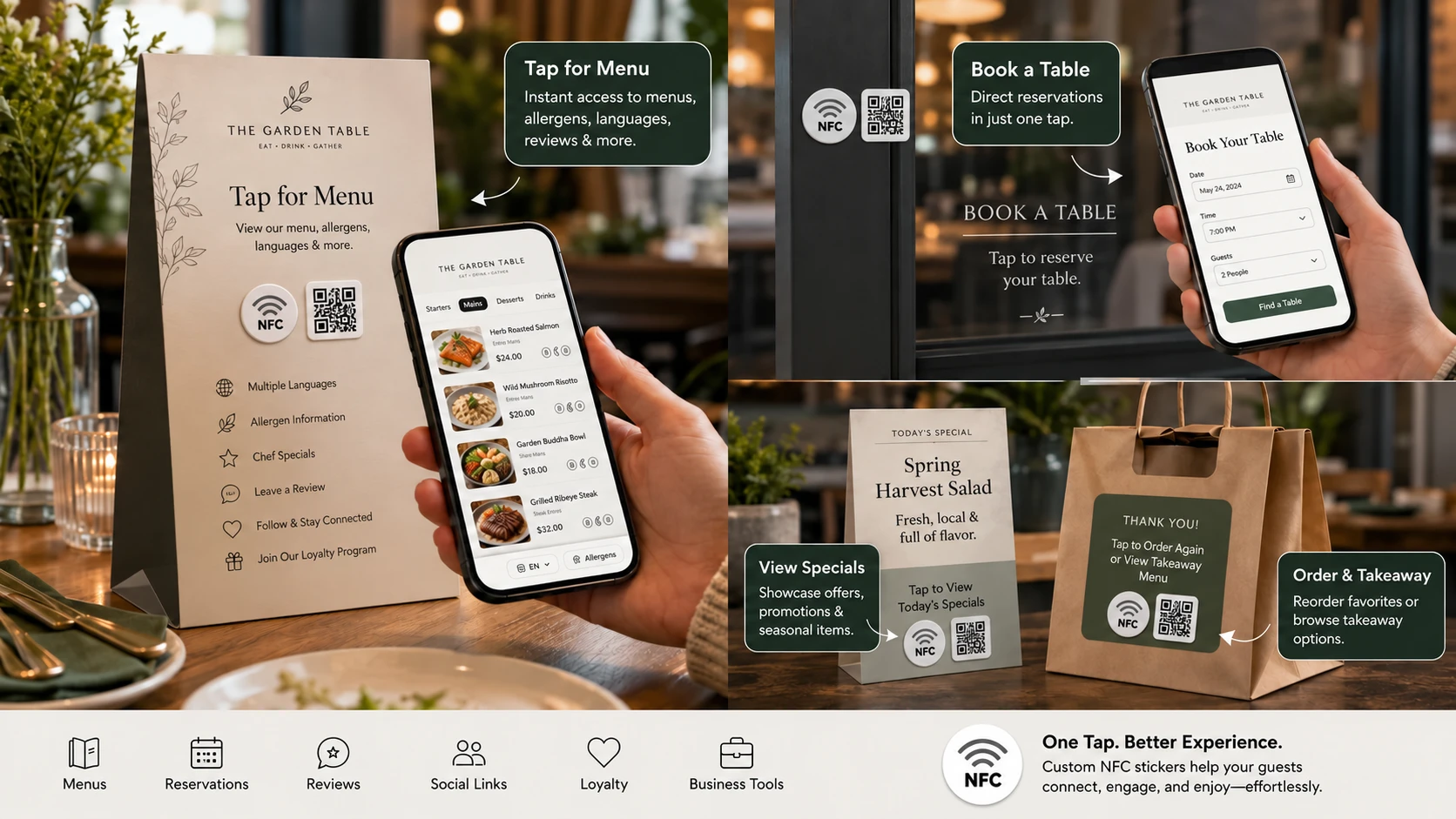
Restaurants and cafes can connect table stickers to AR menu visuals and digital information. Fitness and sports clubs can link equipment or signage to guided exercises and demonstrations.
In real estate and property marketing , printed property materials can launch immersive previews. For smart cities and urban development , public-facing labels or signs can provide access to interactive planning visuals, wayfinding content, or location-specific information.
Choosing the Right AR or AI Experience for a Physical Touchpoint
The most useful experience depends on what visitors need to do when they reach the sticker.
| Physical Touchpoint | Suggested AR Code Experience | Visitor Benefit |
|---|---|---|
| Product packaging or showroom display | Object Capture , AR GenAI , or AR Splat | Explore a product visually in 3D |
| Museum exhibit or educational sign | AI Code or AR Portal | Discover contextual or immersive content |
| Event display or branded promotion | AR Face Filter or AR Video | Participate in an interactive brand experience |
| Industrial equipment | 3D Model Upload or instructional AR Video | Access visual information at the point of use |
| Printed artwork or publication | AR Photo or AR Text | Discover added layers of visual or educational content |
As smartphones and spatial computing platforms evolve, digital experiences are increasingly becoming part of physical environments. Yet even the most advanced immersive content needs a practical point of entry.
NFC and QR stickers are recognizable, easy to place, and suitable for a variety of real-world surfaces. AR Code adds the hosted immersive or AI-driven content behind those access points. Together, they make it possible to deploy AR and AI experiences without building a dedicated app for every campaign.
Organizations can start with a small pilot, measure the response, update their digital content, and expand the approach to more products, locations, or audiences. For larger deployments or special requirements, businesses can contact NFCOP about custom arrangements.
Make the Physical World Interactive with AR Code and NFCOP
Augmented Reality and Artificial Intelligence can make physical objects more informative, engaging, and useful. The challenge is making those experiences easy to discover exactly where they matter.
AR Code powers the immersive AR and AI experience. NFCOP provides ready-to-use physical entry points through custom NFC and QR Code stickers. The connection is simple, flexible, and suitable for everything from a single promotional display to deployments across many products and locations.
Start by creating your AR or AI experience with AR Code , then create your custom NFC and QR Code stickers with NFCOP to connect that experience to the physical world.
Create the experience. Anchor it in the physical world. Let your audience tap, scan, and explore.
Frequently Asked Questions
Can an NFC sticker open an AR Code experience?
Yes. Enter the URL of a published AR Code experience when creating your NFCOP sticker order. A compatible smartphone can open that destination with an NFC tap, while the matching QR Code sticker provides a scan alternative.
Do visitors need to install a mobile application?
No dedicated app is required for supported AR Code web experiences or standard NFC and QR Code URL access. Exact AR capabilities vary according to the device, browser, and operating system.
Can NFC and QR Code stickers link to the same AI Code experience?
Yes. NFCOP's matching NFC and QR Code stickers are prepared for the same destination URL, which can be an AI Code experience.
Can I change the destination after the stickers are printed?
Yes, if you select NFCOP's optional Dynamic URL feature. This lets you change the destination of the NFCOP short link later. AR Code separately provides tools to manage and edit supported AR experiences.
Can I track activity from my physical stickers and AR experiences?
AR Code provides analytics for AR experience activity. NFCOP's Dynamic URL option provides link-level statistics for tap and scan interactions. These measurements complement one another but reflect different stages of the visitor journey.
Where can I learn more about ordering NFC stickers?
Explore how NFCOP works , review sticker pricing , or read the frequently asked questions before placing an order.
AR Code Tech - Latest Blog Posts
Augmented Reality Training in Manufacturing: New 2026 Research and Practical Factory Use Cases
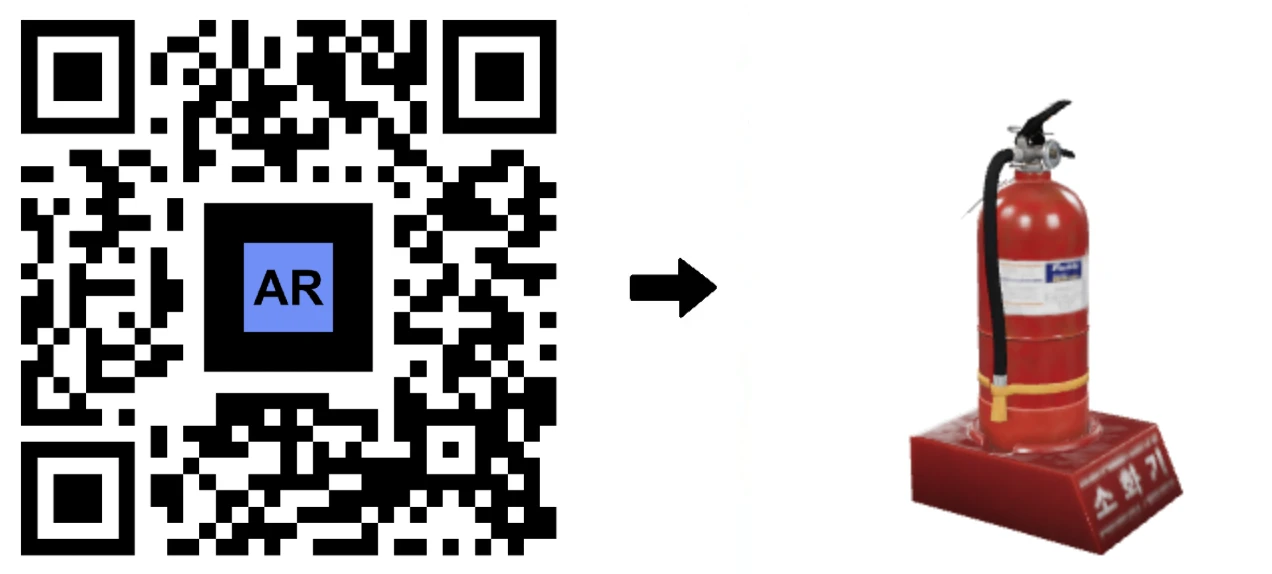
Technicians can access equipment instructions directly by scanning a QR code on the machine. Instead of searching for printed manuals or relying on experienced operators, they can instantly view interactive 3D models and short visual guides that provide clear, step-by-step instructions for each task. On October 27,...
Best 3D Scanning Solutions for Augmented Reality: AR Code Object Capture, AR GenAI, AR Splat & AI Code

Creating an effective augmented reality experience starts with choosing the right way to digitize an object or generate interactive content. Depending on the object you want to capture, its materials, the level of realism required, and the type of experience you want visitors to have, AR Code provides several...
Instantly Download .MP4 Demo Videos of Your AR 3D Models

In today's digital-first business environment, presenting 3D content efficiently is critical for standing out. AR Code delivers a powerful capability that enables users to download demo videos of their 3D models directly from the platform, significantly streamlining content creation for marketing, client...
AR GenAI: Turn a Single Photo into an AR-Ready 3D Model

Drive business growth with AR GenAI image to 3D technology on the AR Code SaaS platform. AR Code enables you to convert product photos into interactive, immersive 3D models, instantly accessible in Augmented Reality. No specialized apps or 3D modeling experience is necessary—simply upload an image and share...
AR Splat: A New 3D Scanning-to-Augmented Reality Solution Based on Gaussian Splatting
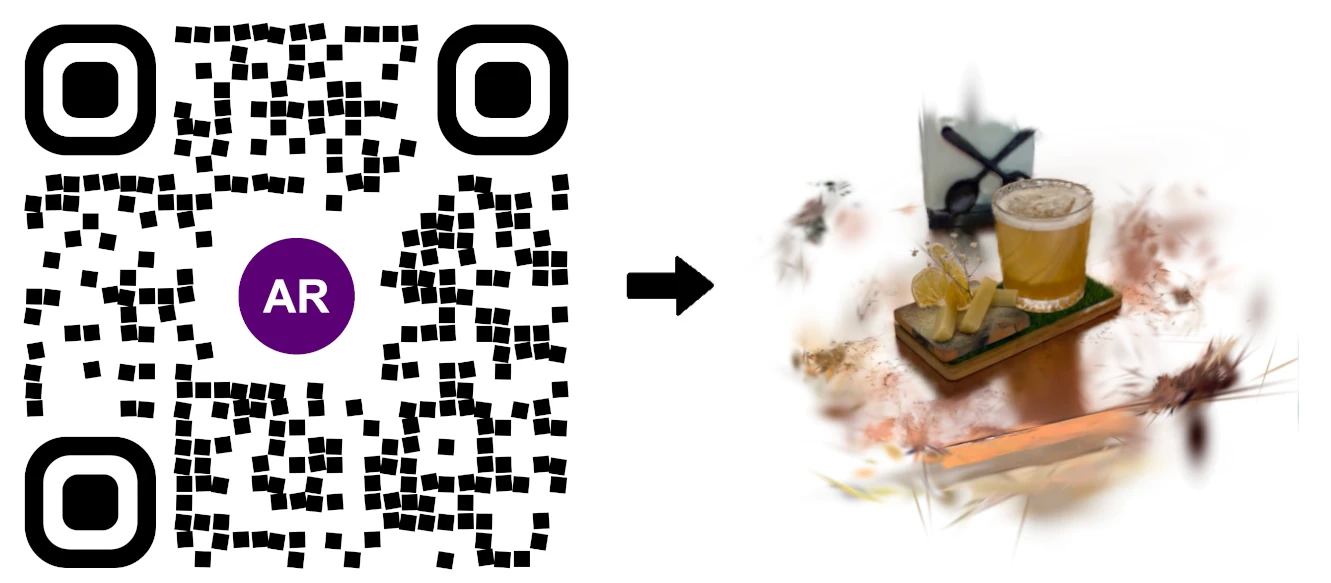
AR Splat by AR Code enables businesses to seamlessly create and deploy immersive 3D web augmented reality experiences. Upload a simple walk-around video and generate photorealistic 3D scenes with advanced Gaussian Splatting technology. Share your AR content instantly using AR QR Codes, providing fast,...
AI Code’s Image Generation Redefines Product Visualization Through a QR Code Scan
AR Code is revolutionizing Augmented Reality and Artificial Intelligence for businesses by enabling instant AI-powered product visualizations through a single QR code scan. Boost customer engagement and increase interaction by leveraging AI Code, ar genai, and other robust AR Code SaaS solutions for immersive...
AR Code Object Capture Now Works on All iPhones and iPads No LiDAR Required
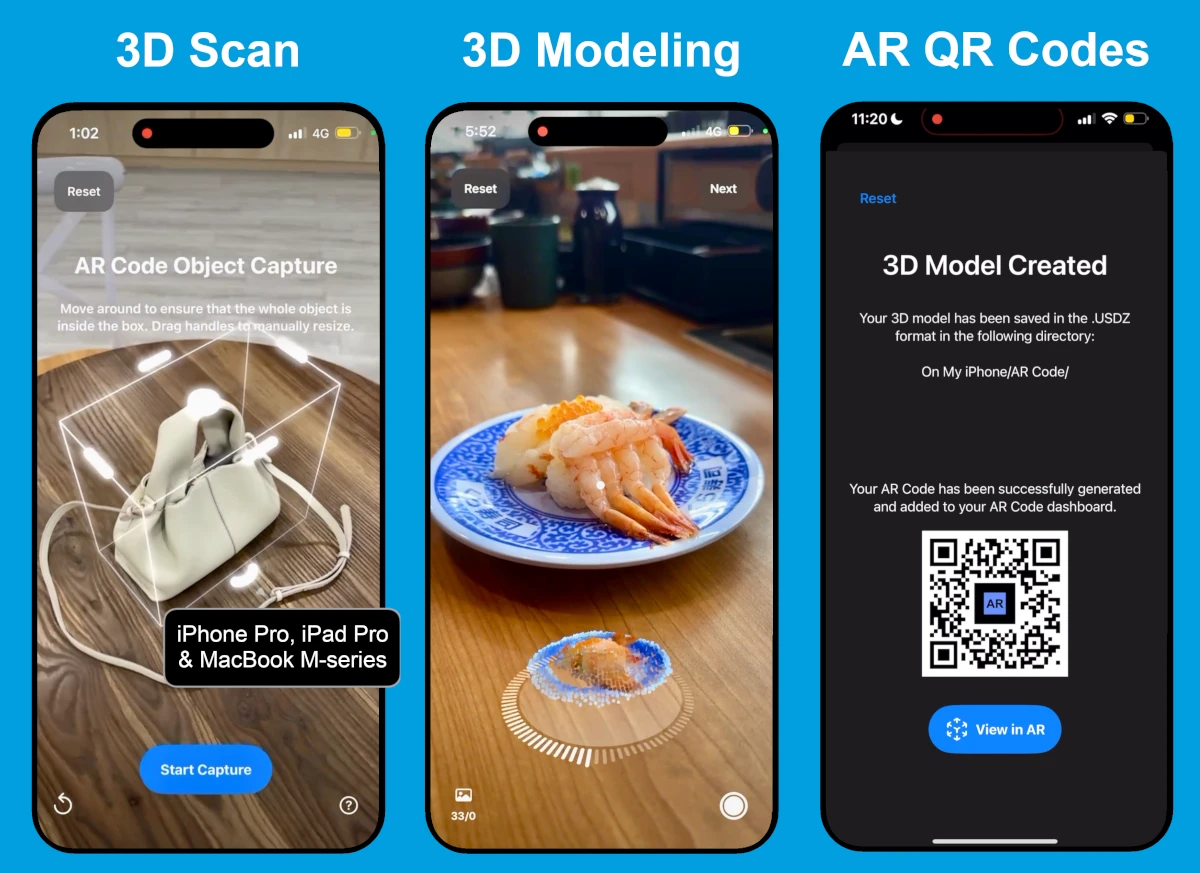
Accelerate business transformation with advanced augmented reality using the ar code object capture solution. Effortlessly capture, create, and share 3D models and AR QR Codes on any iPhone or iPad. Eliminate dependence on LiDAR and streamline your workflows with engaging AR marketing, lifelike product demonstrations,...
3D Scanning from Video Now Available on the AR Code Web Interface
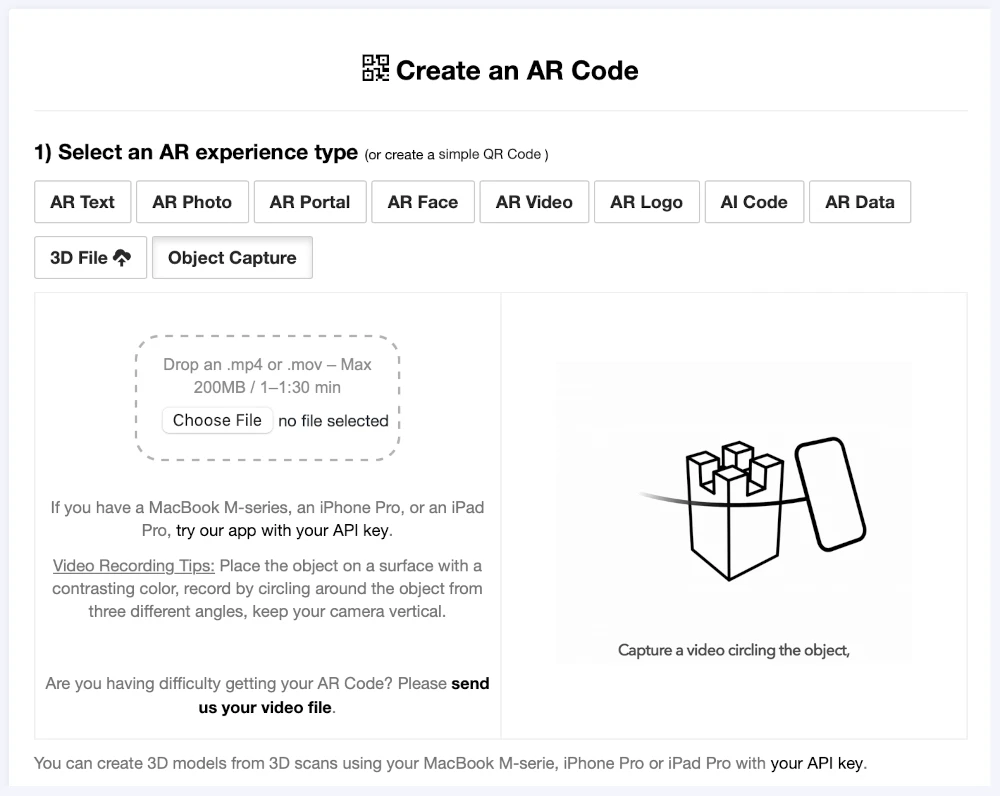
Accelerate business growth with Object Capture, a browser-based SaaS transforming simple video capture into immersive augmented reality. Boost brand engagement and streamline workflows with a no-code solution tailored for business. Simplify AR marketing for your business. Upload a short video through your...
Guide to 3D Scanning with Our "AR Code Object Capture" Solution
Drive your business’s digital transformation with ar code object capture, the leading SaaS platform for advanced 3D scanning and interactive augmented reality. Empower your organization to deliver accurate 3D models for marketing, e-commerce, manufacturing, and product demonstrations. Accelerate engagement and...
From Video to 3D Modeling: Photogrammetry with AR Code Object Capture on MacBook M-Series
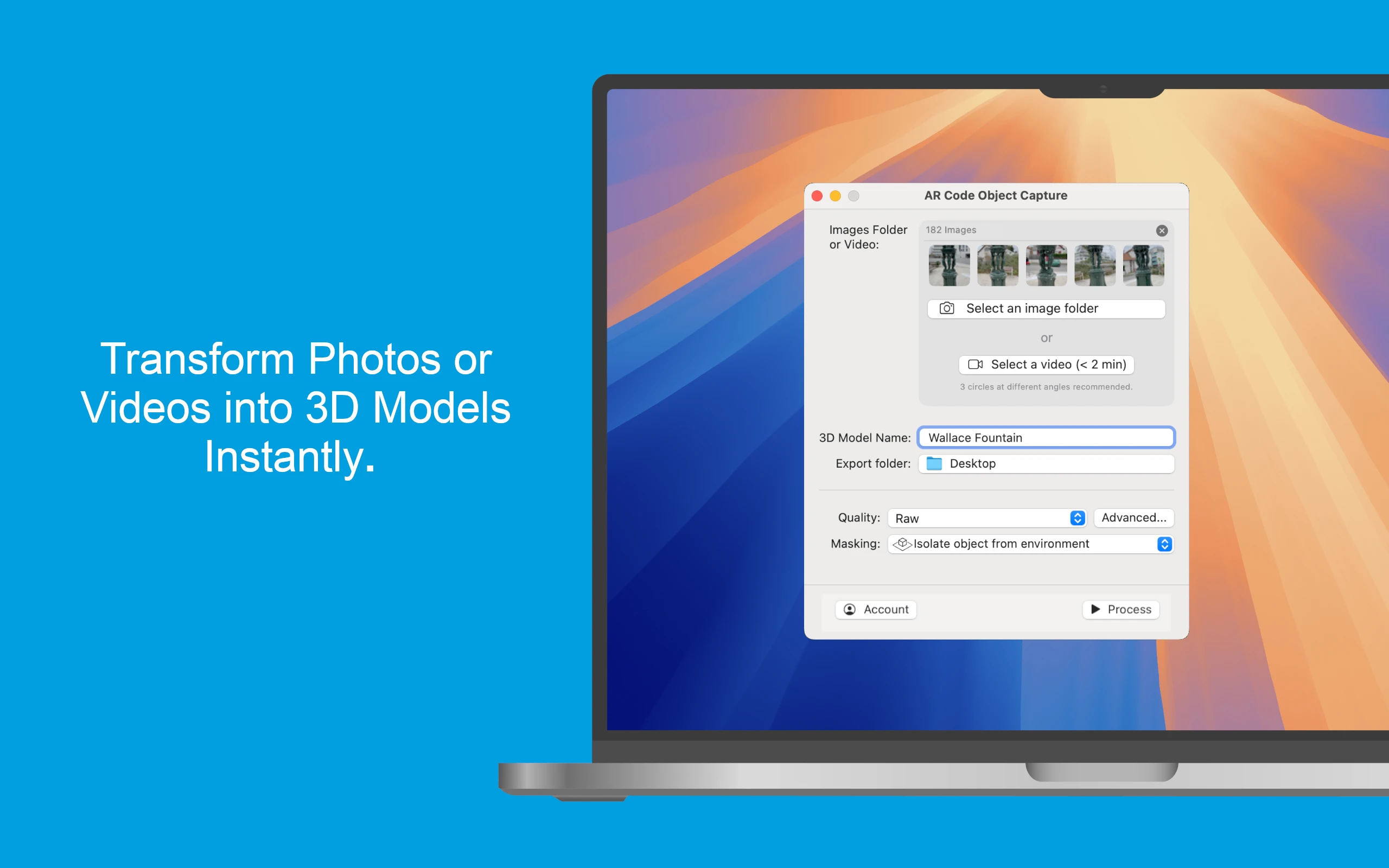
Drive business success with the powerful AR Code Object Capture app, the cutting-edge 3D scanning and augmented reality SaaS platform for modern enterprises. Built for MacBook M-series (macOS 15.0+), this solution effortlessly converts physical products into lifelike 3D models and shareable AR QR Codes in seconds....
162,694 AR experiences
72,994 Scans per day
148,717 Creators