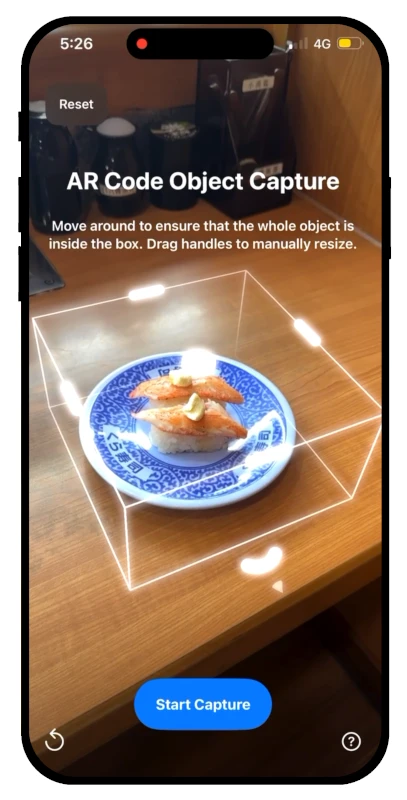
AR Code Object Capture
 AR Splat
 AR GenAI
 AI Code / AI Try-On
 AR Face Filter
 AR Video
 3D Files Upload
 AR Logo
 AR Photo
 AR Portal
 AR Text
 AR Data API
 Education & Schools
 E-commerce Brands & Online Stores
 Fitness & Sports Clubs
 Manufacturing, Training & Safety
 Marketing Teams & Agencies
 Museums & Exhibitions
 Real Estate & Property Marketing
 Restaurants & Cafés
 Retail Stores & Showrooms
 Smart Cities & Urban Development
 Books, Guides & Magazines
 Business Cards
 Event Posters & Banners
 Event Tickets & Access
 Flyers & Brochures
 Labels & Product Information
 Machinery & Equipment
 Product Packaging
 Websites & Online Stores
Augmented Reality in STEM Education: What It Means for Teachers
WebAR | 14/11/2026 |
Augmented reality in STEM education is gaining attention for a practical reason: it helps students explore complex subjects through interactive 3D content instead of relying entirely on textbooks and static diagrams. However, making AR available in a classroom is only part of the challenge. Teachers also need accessible tools, relevant learning materials, and time to integrate them into lessons.
A new systematic review published on October 27, 2026, in the journal Discover Education provides useful insights into these challenges. The research examines how teachers adopt augmented reality (AR), virtual reality (VR), and related immersive educational games. Its findings highlight the importance of teacher-friendly content creation, curriculum integration, and practical implementation support.
For schools, universities, and educational organizations, the findings offer a clear direction: prioritize useful learning experiences, manageable technology, and measurable educational objectives.
What the New 2026 Research Reveals About Augmented Reality in Education
The systematic review published in Discover Education analyzed 12 eligible studies selected from 380 initial research records. These studies examined how educators integrated immersive, game-based learning technologies into STEM teaching across primary, secondary, and higher education.
Augmented reality dominated the evidence reviewed: 11 of the 12 studies used AR, while one involved VR. Ten studies used smartphones or tablets, demonstrating the importance of mobile devices in the educational approaches examined.
Researchers identified four interconnected roles that teachers can assume when using immersive technology:
- Learner: Exploring AR technology and understanding how students experience it.
- Facilitator: Guiding classroom activities and helping students interpret digital content.
- Co-designer: Adapting interactive educational materials to specific learning objectives.
- Reflective practitioner: Evaluating classroom activities and improving their educational value.
The review also identified recurring obstacles, including limited teacher preparation, insufficient resources, technical difficulties, and a lack of time for lesson development. Its main contribution is a clearer understanding of what educators need to implement immersive learning successfully, rather than simply introducing more technology.
Why Practical AR Learning Tools Matter for STEM Teachers
STEM subjects frequently involve structures, systems, and processes that are difficult to understand through conventional illustrations alone. Augmented reality adds interactive digital objects to the physical environment, allowing learners to examine selected concepts from different perspectives.
This makes AR particularly relevant for educational activities involving:
- Biology: Exploring organs, skeletal systems, and other anatomical structures in three dimensions.
- Chemistry: Examining molecular structures and discussing relationships that are difficult to visualize on paper.
- Physics: Using 3D demonstrations to support explanations of forces, motion, and spatial relationships.
- Engineering: Inspecting machinery, components, and technical assemblies through interactive models.
- Environmental science: Visualizing ecosystems, landforms, and scientific models during classroom activities.
These are potential classroom applications, not outcomes measured by the new review. Their educational value depends on accurate content, appropriate teaching activities, and clear connections to the curriculum.

App-Free Augmented Reality Can Simplify Classroom Implementation
One practical challenge highlighted by the research is technology accessibility. Teachers may have limited preparation time, inconsistent access to devices, or institutional rules restricting smartphone use.
Browser-based augmented reality offers a possible way to simplify access. Rather than requiring students to install a separate educational application, supported experiences can open directly through a QR Code and compatible mobile device.

For example, the AR Code solution for education and schools allows educators to connect printed or digital learning materials to interactive AR content.
A teacher can place an AR QR Code on a worksheet, classroom poster, textbook supplement, or presentation. Students scan it to open the associated 3D visualization or educational resource on a supported smartphone or tablet.
This approach can reduce installation requirements and simplify content distribution. However, schools still need to consider internet access, device availability, accessibility needs, and institutional mobile-device policies.
Creating Interactive 3D Lessons With AR Code
The 2026 review emphasizes the value of tools that teachers can adapt to their educational requirements. This is especially relevant when developing activities for different age groups, subjects, and learning objectives.
AR Code provides several existing capabilities that support this broader need for adaptable educational materials.
- 3D content creation: With AR GenAI image-to-3D technology, educators can generate interactive AR models from images. Generated scientific models should be checked for accuracy before classroom use.
- Existing educational models: Teachers can upload compatible 3D files, including carefully prepared technical or scientific models, for interactive viewing.
- Visual explanations: AR Video lets educators share video demonstrations and instructional content through AR QR Codes.
- Interactive assistance: AI Code supports context-aware educational responses and interactive guidance, which should be reviewed and supervised by educators.
These features can support visual lessons, guided exploration, and classroom discussion. They should not be confused with the specialized game-based systems evaluated in the research review, and the study did not test AR Code itself.
How Schools Can Introduce Augmented Reality Step by Step
The research suggests that successful adoption requires more than providing access to AR content. Educators also benefit from collaborative planning, practical training, and structured reflection.

Schools considering classroom augmented reality can begin with a manageable implementation process:
- 1. Choose one learning objective. Identify a topic where interactive visualization could provide a meaningful benefit over static materials.
- 2. Prepare accurate content. Select an existing 3D educational model or create a new visualization that supports the lesson.
- 3. Publish an AR QR Code. Connect the content to a worksheet, poster, digital resource, or classroom presentation.
- 4. Test the experience. Check access, readability, model accuracy, and device compatibility before introducing the activity.
- 5. Guide student exploration. Use questions, small-group discussions, or observation tasks to connect the experience to learning goals.
- 6. Review and improve. Collect feedback, evaluate student understanding, and adapt the activity before expanding its use.
A small classroom pilot can help teachers identify technical or instructional problems before developing a larger library of AR learning resources.
Measuring the Educational Value of Classroom AR
Interactive technology can attract attention, but attention alone does not establish educational effectiveness. Schools need to evaluate whether AR activities help learners meet defined educational objectives.
Useful indicators include student participation, task completion, the quality of student explanations, and performance on subject-specific assessments.
AR Code's dashboard provides usage analytics that can help educators understand how frequently AR resources are accessed. These metrics can inform decisions about content distribution and resource management, but scan counts should not be treated as direct evidence of learning improvement.
The review also has important limitations. Its evidence base consists of only 12 eligible studies, with substantial geographic and research-team concentration. The findings primarily concern teachers' implementation experiences, not a definitive measurement of student achievement.
The Future of Augmented Reality in STEM Education
The October 2026 findings reinforce an important principle: the value of classroom augmented reality depends on how well it supports teaching, not simply on the sophistication of the technology.
For educational institutions, accessible AR content, curriculum-aligned activities, teacher preparation, and ongoing evaluation provide a practical foundation for adoption.
Schools looking to explore this approach can begin with one subject and one interactive learning resource. AR Code offers an app-free way to publish and manage supported 3D educational experiences through QR Codes, making it a practical option to evaluate alongside existing teaching materials.
Starting with a focused educational objective allows schools to assess whether AR adds genuine learning value before expanding its use across classrooms.
Frequently Asked Questions
What are the benefits of augmented reality in STEM education?
Augmented reality allows students to explore interactive 3D representations of scientific and technical concepts. Potential benefits include better visualization, opportunities for active exploration, and more engaging classroom discussions. Educational outcomes depend on lesson design, instructional guidance, and the quality of the AR content.
What does the new 2026 research say about AR adoption in schools?
A systematic review published on October 27, 2026, analyzed 12 studies involving teachers and immersive STEM learning games. It found that teacher preparation, adaptable content, curriculum integration, and institutional support are important for successful implementation. The review did not establish that AR automatically improves student achievement.
Can teachers create augmented reality lessons without programming?
Yes. Platforms such as AR Code provide tools for creating and publishing AR learning materials without requiring programming knowledge. Teachers can generate selected 3D assets from images, upload existing models, or publish educational videos and share them through AR QR Codes. Scientific accuracy and educational suitability should always be verified.
Do students need a special application to access AR Code lessons?
No separate application is required for supported AR Code experiences. Students can scan an AR QR Code using a compatible smartphone or tablet to open browser-accessible educational content. Schools should test device compatibility, internet connectivity, and their own mobile-device policies before classroom deployment.
WebAR - Latest Blog Posts
AR Advertising for Print Campaigns: What it Means for Brands

New research published on November 5, 2026, examines how audiences respond to augmented reality and virtual reality marketing communications. For brands investing in printed campaigns, it raises a useful creative question: what should people understand about the brand after opening an immersive experience? A...
Mobile-Web 3D Heritage: the Potential of AR Code Gaussian Splatting

A new study published on November 1, 2026, highlights an important development in digital cultural heritage: detailed 3D reconstructions of historic buildings can be delivered through ordinary mobile browsers using optimized Gaussian splatting technology. Published in npj Heritage Science, the research examined how...
Museum Augmented Reality: What 208 Studies Reveal About Better Visitor Experiences

What if a museum visitor could explore a fragile historical object in 3D, discover the story behind a painting, or step inside a reconstructed exhibition space using only a smartphone? Augmented reality (AR) is making these experiences possible by adding digital objects and information to the world around us. And...
World Cup 2026 AR Face Filter Flags: App-Free AR QR Codes for Football Supporters

AR Code gives World Cup 2026 supporters an app-free AR Face Filter experience! By scanning a country-specific AR QR Code, fans can instantly display their national flag on both cheeks in augmented reality, directly from their smartphone browser. They can then capture the moment and share it with friends or on...
8th Wall Is Shutting Down: Timeline, Impact, and the Best 8th Wall Alternative for WebAR

With the 8th Wall shutdown on the horizon, businesses, agencies, and developers that depend on browser-based augmented reality must quickly secure a new partner to deliver WebAR experiences. As 8th Wall sunsets after seven years, finding a strong 8th Wall alternative is key for ongoing AR innovation and campaign...
3DQR vs AR Code: A Comparative Study of QR Code-Based Augmented Reality Solutions
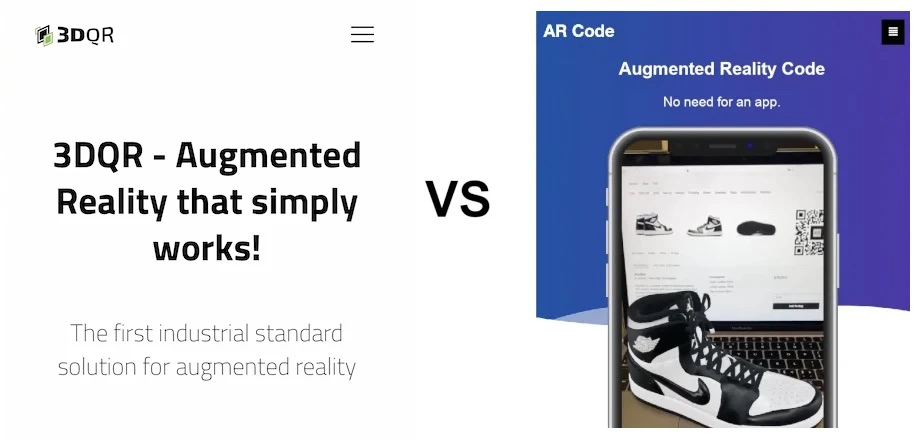
Augmented Reality is transforming how businesses operate and connect with customers. AR Code and 3DQR are leading AR SaaS platforms that empower businesses to deliver interactive digital experiences, foster stronger client relationships, and maximize ROI. This comparison details their key features and strategic...
Blippar VS AR Code: WebAR SaaS Platforms Compared
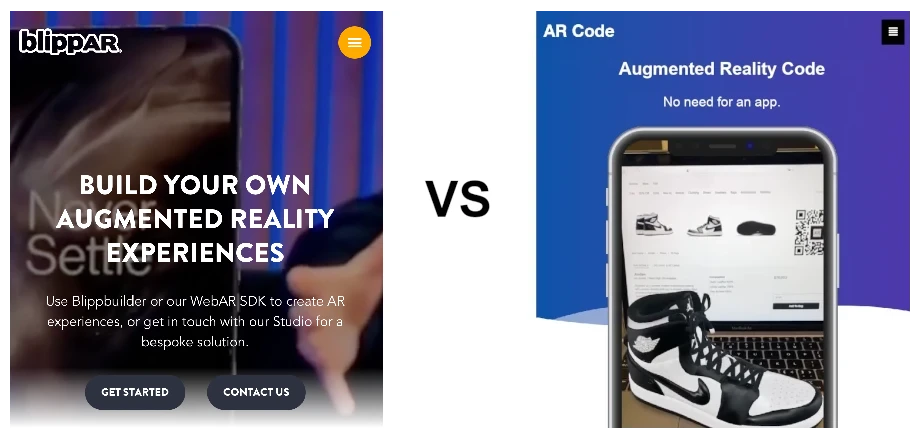
WebAR platforms like AR Code and Blippar are revolutionizing business-customer engagement by delivering interactive augmented reality experiences directly in web browsers. With no app downloads required, brands can amplify marketing, enhance product packaging, retail, and event interactions, and drive higher digital...
8thWall VS AR Code: Comparing WebAR SaaS for Your Business
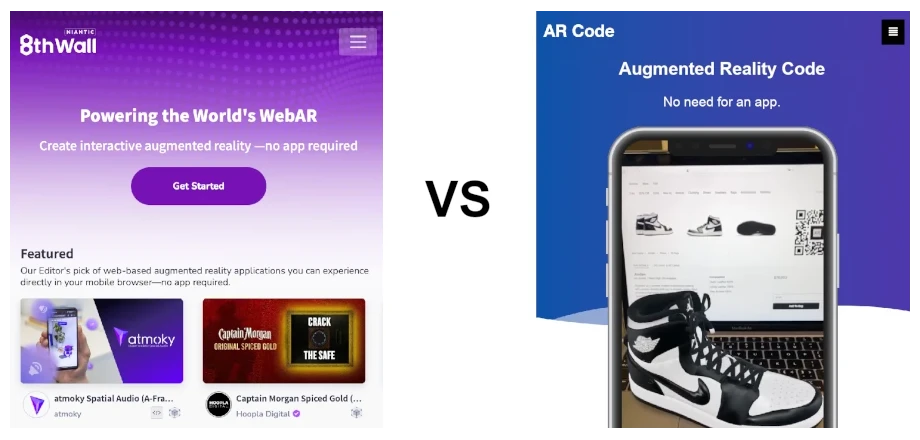
Web-based augmented reality (AR) is revolutionizing business marketing, sales, and product demonstrations by enabling browser-based AR experiences without an app. The AR Code SaaS platform empowers companies to deliver interactive AR directly through QR Codes, driving customer engagement in retail, e-commerce,...
163,794 AR experiences
74,318 Scans per day
149,366 Creators