AR Code Object Capture
 AR Splat
 AR GenAI
 AI Code / AI Try-On
 AR Face Filter
 AR Video
 3D Files Upload
 AR Logo
 AR Photo
 AR Portal
 AR Text
 AR Data API
 Education & Schools
 E-commerce Brands & Online Stores
 Fitness & Sports Clubs
 Manufacturing, Training & Safety
 Marketing Teams & Agencies
 Museums & Exhibitions
 Real Estate & Property Marketing
 Restaurants & Cafés
 Retail Stores & Showrooms
 Smart Cities & Urban Development
 Books, Guides & Magazines
 Business Cards
 Event Posters & Banners
 Event Tickets & Access
 Flyers & Brochures
 Labels & Product Information
 Machinery & Equipment
 Product Packaging
 Websites & Online Stores
Augmented Reality Training in Manufacturing: New 2026 Research and Practical Factory Use Cases
AR Code Tech | 28/10/2026 |
A new technician approaches an unfamiliar machine. The printed manual is somewhere in the office, and the experienced operator is on another shift. Imagine being able to scan a label beside the equipment and immediately see a clear 3D view or a short visual explanation of the next task.
That practical idea has fresh research behind it. On October 27, 2026, a systematic review published in Frontiers in Virtual Reality examined how augmented reality (AR), virtual reality (VR), and related immersive tools are being used for education and training in advanced manufacturing. The findings suggest opportunities for clearer instructions and better task understanding, while also highlighting the importance of choosing tools that fit real workers and real workplaces.

Why On-the-Job Augmented Reality Instructions Matter
For manufacturers, one of the most useful distinctions is between learning in a simulated setting and getting help beside real equipment. VR places a learner inside a digital environment. AR adds digital visuals or information to the physical surroundings that the learner can already see.
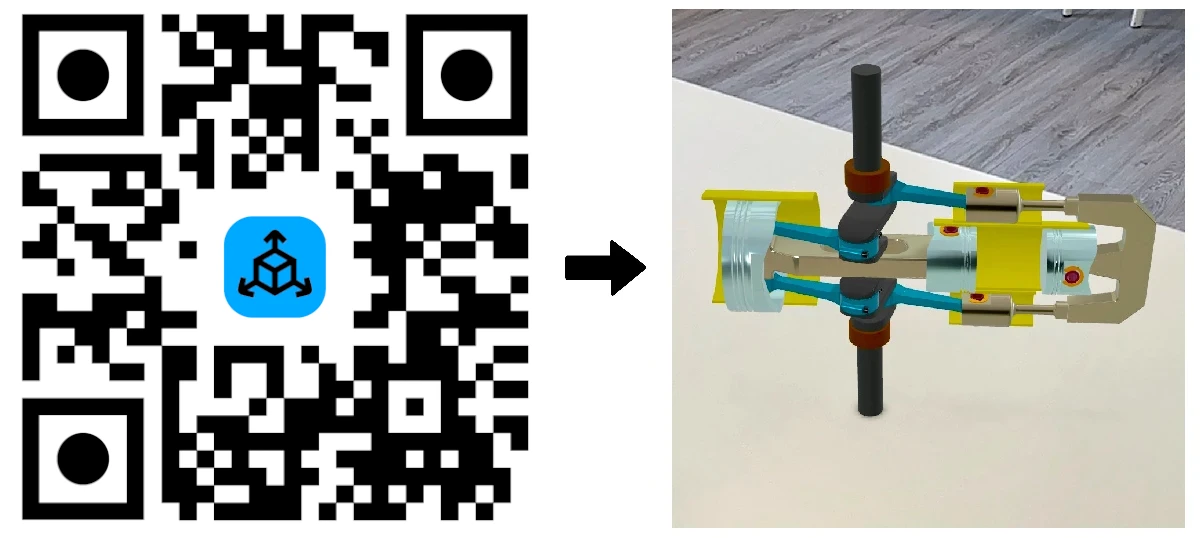
The review suggests that AR can be particularly relevant when people need contextual guidance at an actual workstation. A labeled component, an interactive 3D model, or a short procedure video may make a complicated instruction easier to interpret than a dense page of text alone.
This does not mean workers should operate machinery while looking at their phones. Visual content can support preparation, supervised demonstrations, and approved maintenance procedures. Safe equipment operation must always take priority over an AR experience.
Four Practical AR Use Cases for Factory Training
The best starting point is usually an existing task that people find difficult to explain, remember, or repeat consistently. Here are four practical examples of how a manufacturer could use accessible visual content:
- New employee onboarding: Place a code near a training station that opens a 3D overview of the machine and its main components before hands-on instruction begins.
- Assembly preparation: Help trainees explore how parts fit together, using a visual model alongside an approved, step-by-step work instruction.
- Maintenance support: Add a scan point to equipment documentation so authorized staff can revisit a short inspection or servicing demonstration.
- Safety communication: Use signage to make an approved safety briefing or equipment-specific reminder more accessible before a task begins.
These examples share a simple principle: put the explanation close to the point of need. The goal is to complement instructors, procedures, and safety controls, not replace them.
How AR Code Can Bring Visual Training to Existing Equipment
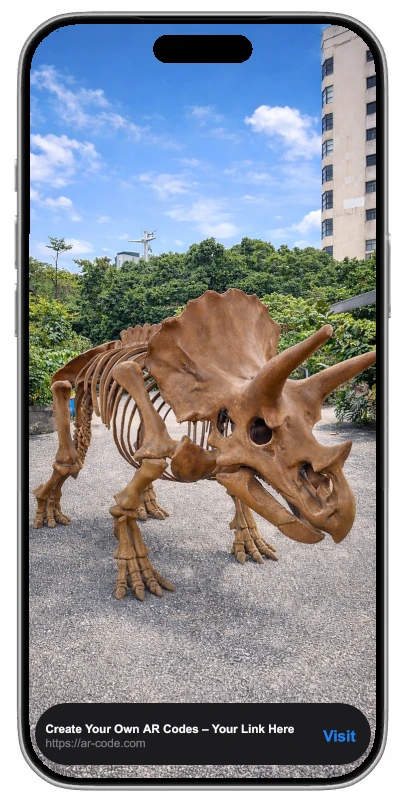
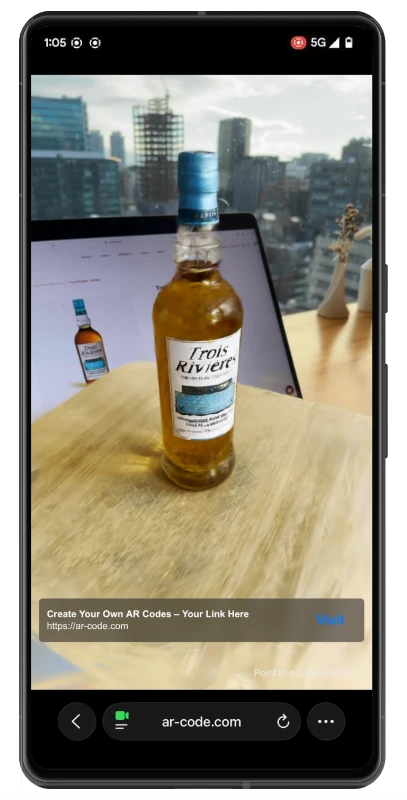
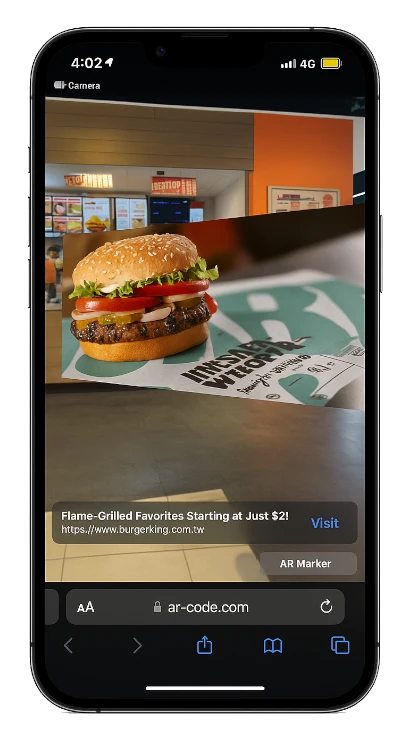
A company does not necessarily need to develop a custom training app to start experimenting. AR Code's manufacturing, training, and safety solution lets teams publish 3D models and visual guidance through scannable AR QR Codes. Supported smartphones can open the experiences without a dedicated app download.
For instructions that are easier to show than describe, AR Video can connect a printed code to a video experience. A maintenance trainer might demonstrate how to identify components, prepare for an inspection, or understand an approved sequence. The video should be reviewed by qualified staff before it becomes part of an operational training program.
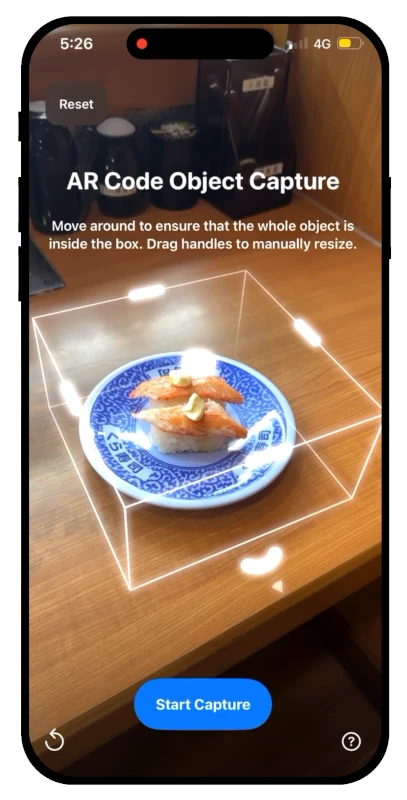
For equipment familiarization, the Object Capture solution can turn suitable physical objects into shareable 3D models through its web workflow or supported Apple devices. Existing 3D models can also be used through AR Code's broader industrial content workflow. A digital representation can help new employees study the shape and arrangement of a component without requiring them to handle it immediately.
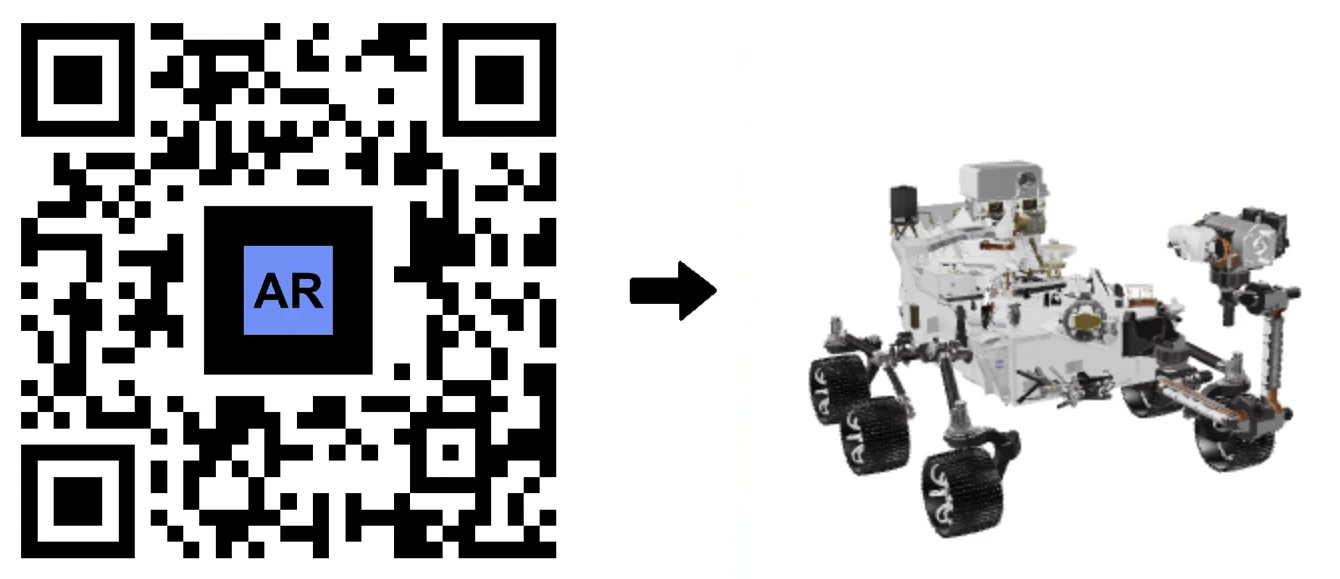
The company's machinery and equipment use case also describes placing codes on machines, technical documentation, and work areas. Teams can manage and update supported AR content from a central dashboard, while scan analytics help identify which resources people access. A scan count measures access, however, not whether someone has mastered a skill.
How to Start a Small AR Training Pilot
The study's practical message is to begin with the worker and the task, rather than buying technology and searching for something to do with it. A small pilot can help test whether AR adds clarity without disrupting the workflow.
- Choose one task: Start with a repeated orientation, inspection preparation, or component-identification challenge.
- Ask operators what is confusing: Involve trainers and frontline employees in selecting the content and deciding where a code belongs.
- Create one clear experience: Use a short approved video or focused 3D model rather than overwhelming people with information.
- Test on actual devices: Check scanning, loading, readability, workplace connectivity, and accessibility before wider deployment.
- Measure useful outcomes: Compare task understanding, error rates where appropriate, training time, and worker feedback with the existing approach.
Keep the printed instructions available and provide an alternative for anyone who cannot access the digital content. This makes the pilot easier to evaluate fairly and helps prevent technology from becoming another obstacle.
The Next Step for Manufacturing AR Training
The new research moves the conversation beyond whether immersive training looks impressive. It asks a better question: does the experience help someone understand a task safely and confidently in the context of their work?
For teams exploring that question, a single well-placed AR QR Code and one carefully designed visual lesson can be a sensible starting point. Explore AR Code's manufacturing tools, test them with your operators, and expand only when the evidence from your own workplace supports it.
Frequently Asked Questions
What is augmented reality training in manufacturing?
Augmented reality (AR) training adds digital visuals, such as 3D models and instructional videos, to real-world learning. In manufacturing, it can help employees understand equipment, practice assembly steps, and review approved safety or maintenance procedures.
How can AR QR Codes be used for factory training?
Manufacturers can place AR QR Codes on training materials, machinery, or workstation signage. Workers can scan them with a compatible smartphone to access visual instructions, equipment models, or short training videos. AR Code supports this approach without requiring a dedicated app download on supported devices.
Does research show that AR training is better than traditional manufacturing training?
Not in every situation. An October 2026 systematic review of 38 studies found promising results for immersive manufacturing training, including task understanding and accuracy, but also reported mixed outcomes and practical limitations. AR is best evaluated as a complement to established training methods, not a guaranteed replacement.
How should a manufacturer start using AR for maintenance or safety training?
Start with one specific task, such as identifying machine parts or reviewing an approved inspection procedure. Create a clear visual experience, test it with workers on actual devices, and measure understanding and usability. Keep existing safety instructions, supervision, and required equipment procedures in place.
AR Code Tech - Latest Blog Posts
AR Code and NFCOP: The Future of NFC, QR Codes, AR & AI
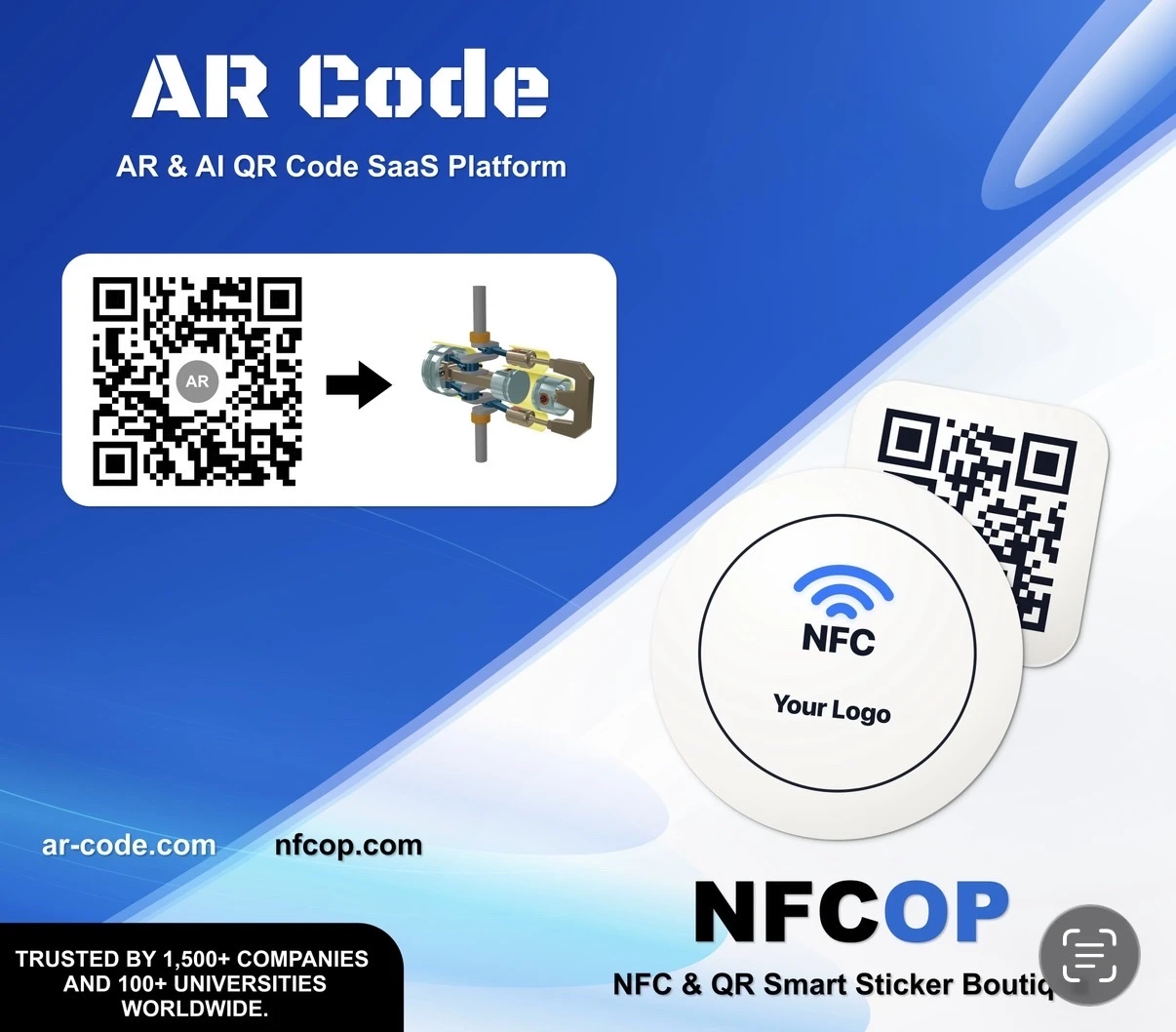
The physical world is becoming a gateway to digital experiences. Augmented Reality (AR), Artificial Intelligence (AI), Near Field Communication (NFC), and QR Code technology now make it possible to connect products, printed materials, and physical locations to interactive content that people can access directly from...
Best 3D Scanning Solutions for Augmented Reality: AR Code Object Capture, AR GenAI, AR Splat & AI Code

Creating an effective augmented reality experience starts with choosing the right way to digitize an object or generate interactive content. Depending on the object you want to capture, its materials, the level of realism required, and the type of experience you want visitors to have, AR Code provides several...
Instantly Download .MP4 Demo Videos of Your AR 3D Models

In today's digital-first business environment, presenting 3D content efficiently is critical for standing out. AR Code delivers a powerful capability that enables users to download demo videos of their 3D models directly from the platform, significantly streamlining content creation for marketing, client...
AR GenAI: Turn a Single Photo into an AR-Ready 3D Model

Drive business growth with AR GenAI image to 3D technology on the AR Code SaaS platform. AR Code enables you to convert product photos into interactive, immersive 3D models, instantly accessible in Augmented Reality. No specialized apps or 3D modeling experience is necessary—simply upload an image and share...
AR Splat: A New 3D Scanning-to-Augmented Reality Solution Based on Gaussian Splatting

AR Splat by AR Code enables businesses to seamlessly create and deploy immersive 3D web augmented reality experiences. Upload a simple walk-around video and generate photorealistic 3D scenes with advanced Gaussian Splatting technology. Share your AR content instantly using AR QR Codes, providing fast,...
AI Code’s Image Generation Redefines Product Visualization Through a QR Code Scan

AR Code is revolutionizing Augmented Reality and Artificial Intelligence for businesses by enabling instant AI-powered product visualizations through a single QR code scan. Boost customer engagement and increase interaction by leveraging AI Code, ar genai, and other robust AR Code SaaS solutions for immersive...
AR Code Object Capture Now Works on All iPhones and iPads No LiDAR Required
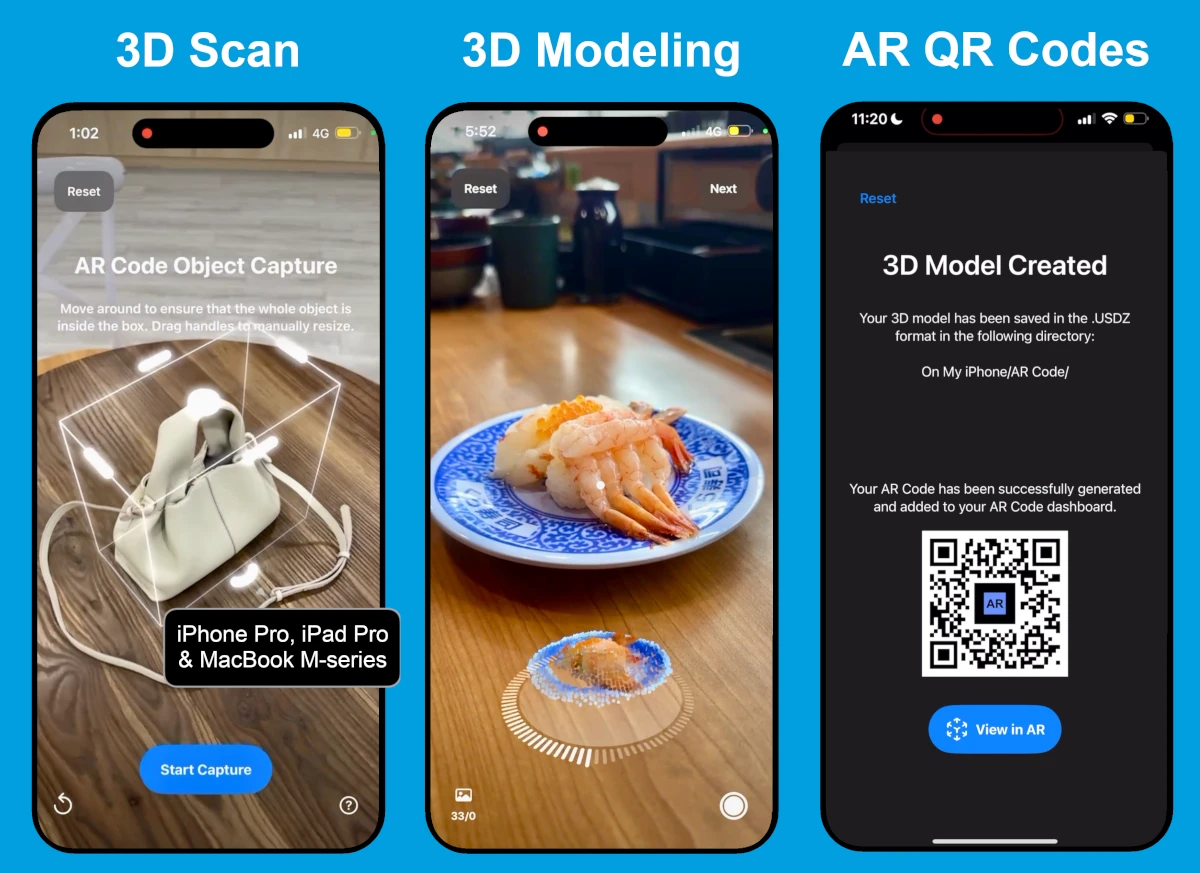
Accelerate business transformation with advanced augmented reality using the ar code object capture solution. Effortlessly capture, create, and share 3D models and AR QR Codes on any iPhone or iPad. Eliminate dependence on LiDAR and streamline your workflows with engaging AR marketing, lifelike product demonstrations,...
3D Scanning from Video Now Available on the AR Code Web Interface
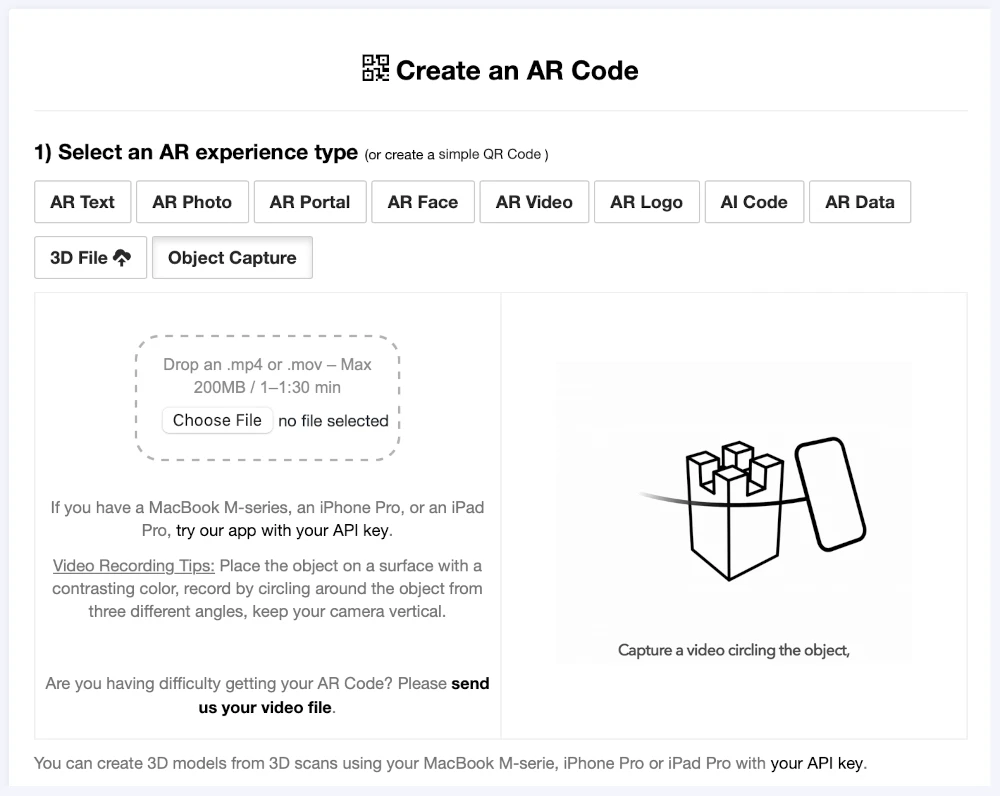
Accelerate business growth with Object Capture, a browser-based SaaS transforming simple video capture into immersive augmented reality. Boost brand engagement and streamline workflows with a no-code solution tailored for business. Simplify AR marketing for your business. Upload a short video through your...
Guide to 3D Scanning with Our "AR Code Object Capture" Solution
Drive your business’s digital transformation with ar code object capture, the leading SaaS platform for advanced 3D scanning and interactive augmented reality. Empower your organization to deliver accurate 3D models for marketing, e-commerce, manufacturing, and product demonstrations. Accelerate engagement and...
From Video to 3D Modeling: Photogrammetry with AR Code Object Capture on MacBook M-Series
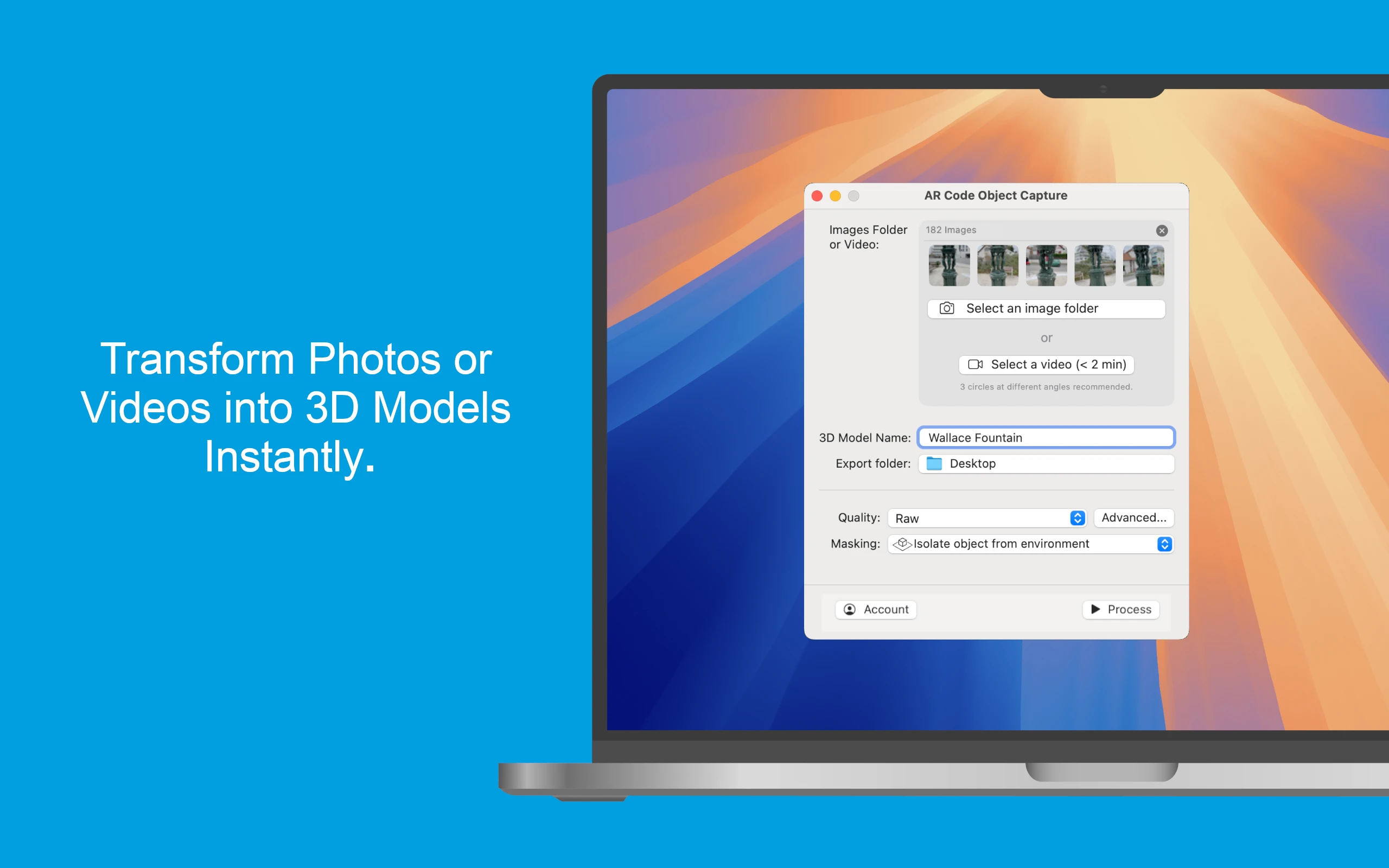
Drive business success with the powerful AR Code Object Capture app, the cutting-edge 3D scanning and augmented reality SaaS platform for modern enterprises. Built for MacBook M-series (macOS 15.0+), this solution effortlessly converts physical products into lifelike 3D models and shareable AR QR Codes in seconds....
162,540 AR experiences
72,806 Scans per day
148,618 Creators