AR Code Object Capture Now Works on All iPhones and iPads No LiDAR Required
AR Code Tech | 04/01/2026 |
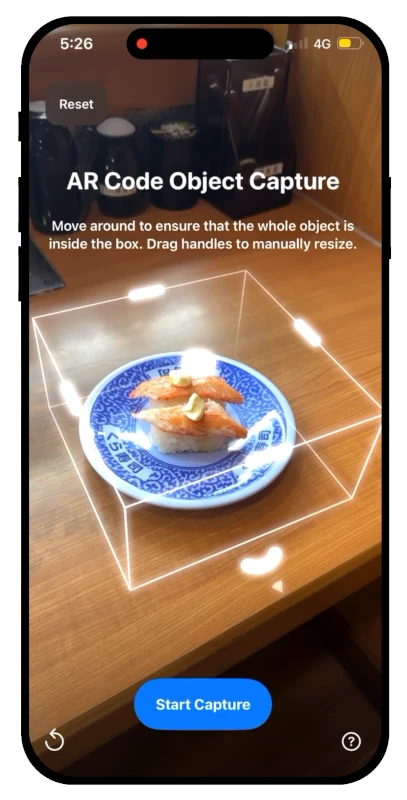
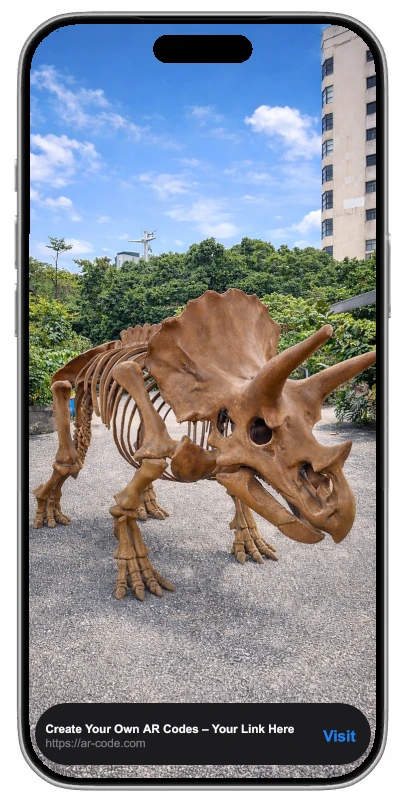
Elevate your business with immersive augmented reality using the AR Code Object Capture app. Instantly capture and create 3D models plus AR QR Codes on any iPhone or iPad, no LiDAR required, streamlining digital workflows and unlocking new customer engagement strategies. Empower your team to deliver interactive AR marketing, customer service, and product experiences across all Apple devices.
AR Code Object Capture brings seamless AR creation to your organization. Whether you operate as a retailer, agency, educator, or enterprise, this platform lets you integrate powerful 3D models into digital campaigns, sales presentations, and training materials with ease. Accelerate your business transformation, drive measurable results, and engage modern audiences with superior AR content.
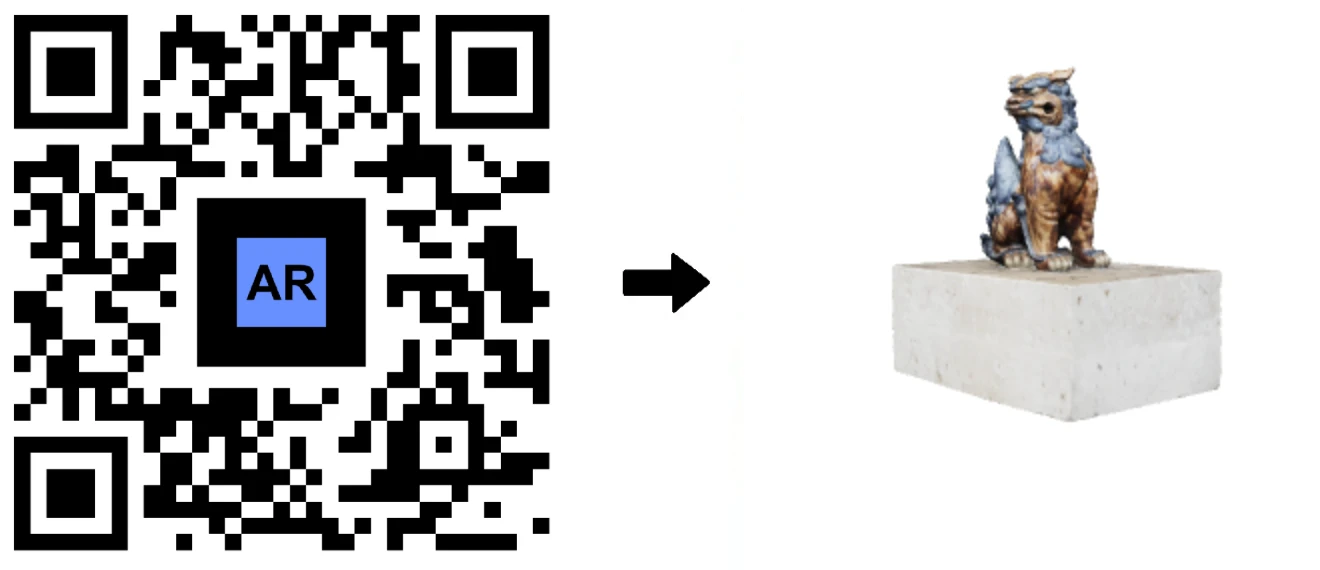
No LiDAR Needed: Instant 3D Scanning for Businesses
Transform your business with advanced 3D scanning on any iPhone or iPad (iOS 17+). Leverage our photogrammetry video guide, upload via the app, and get ready-to-share 3D models and AR QR Codes for sales, education, and creative projects.
Eliminate costly hardware investments and increase ROI by generating AR content using your current devices.
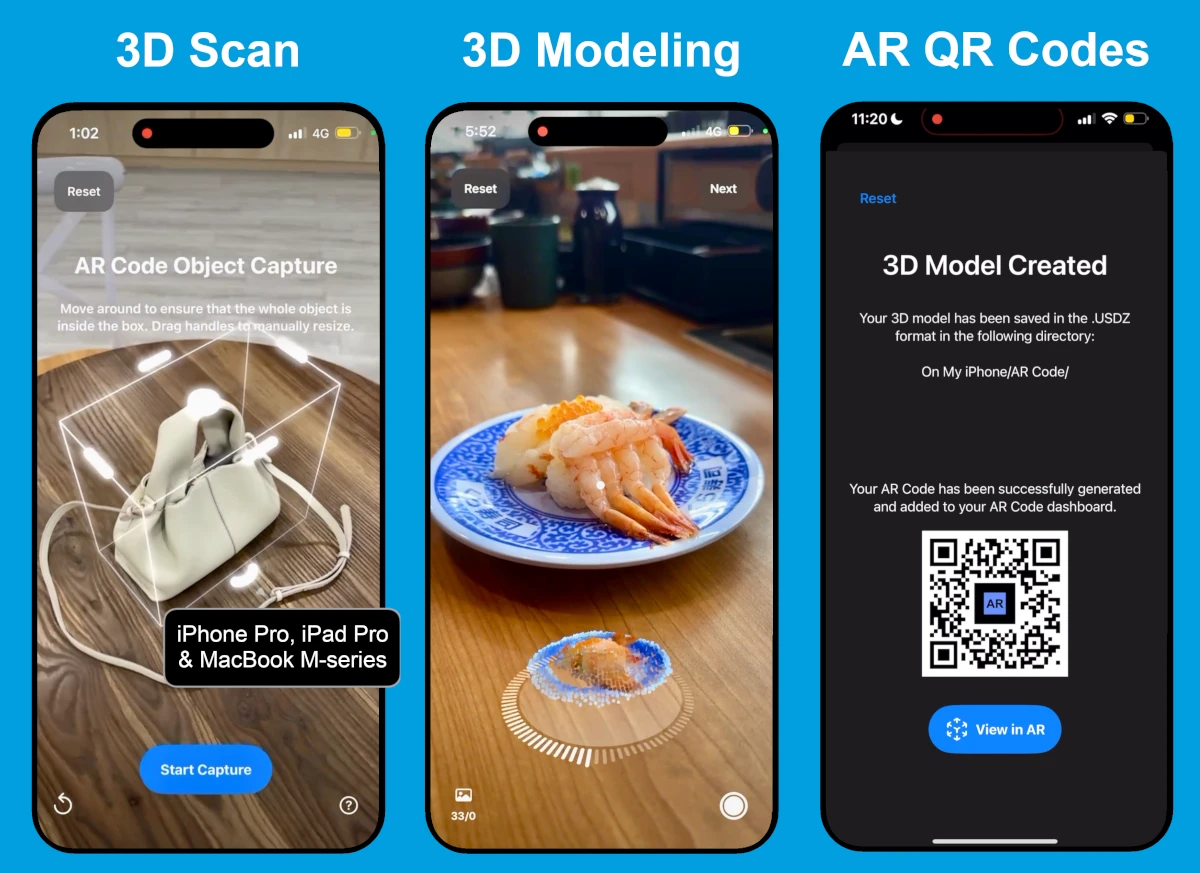

For industries requiring the highest scan fidelity, LiDAR-equipped iPhone Pro and iPad Pro deliver exceptional results. Optimize 3D models for manufacturing, product design, and architectural visualization—all on-device.
The app adapts to your device, balancing speed and quality for your business’s needs.
MacOS and Web: Flexible Enterprise AR Solutions
Now available for Apple MacBook M-series (macOS 15+), AR Code Object Capture provides secure 3D modeling offline for confidential projects and on-premise content creation, keeping your AR assets private.
With over 100 million M-series MacBooks deployed, organizations can create secure, high-quality 3D content for AR marketing, corporate learning, and design using powerful desktop tools.
Prefer a web-based workflow? Use the AR Code SaaS interface for online 3D model creation and AR content deployment. Effortlessly share and embed AR models into intranet platforms, support portals, and digital marketing experiences directly from your browser.
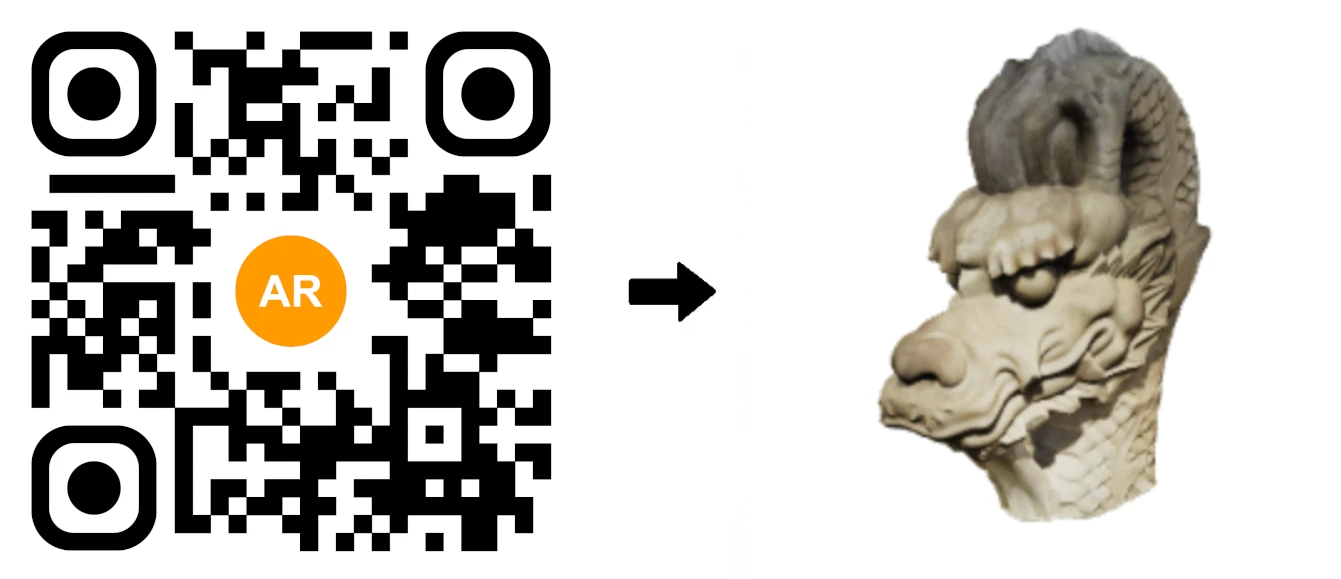
Transforming Industries with AR Code Object Capture
Companies worldwide use AR Code Object Capture to digitize workflows, create engaging customer journeys, and foster collaboration. Go from real-world scans to interactive AR experiences rapidly and without technical hurdles.
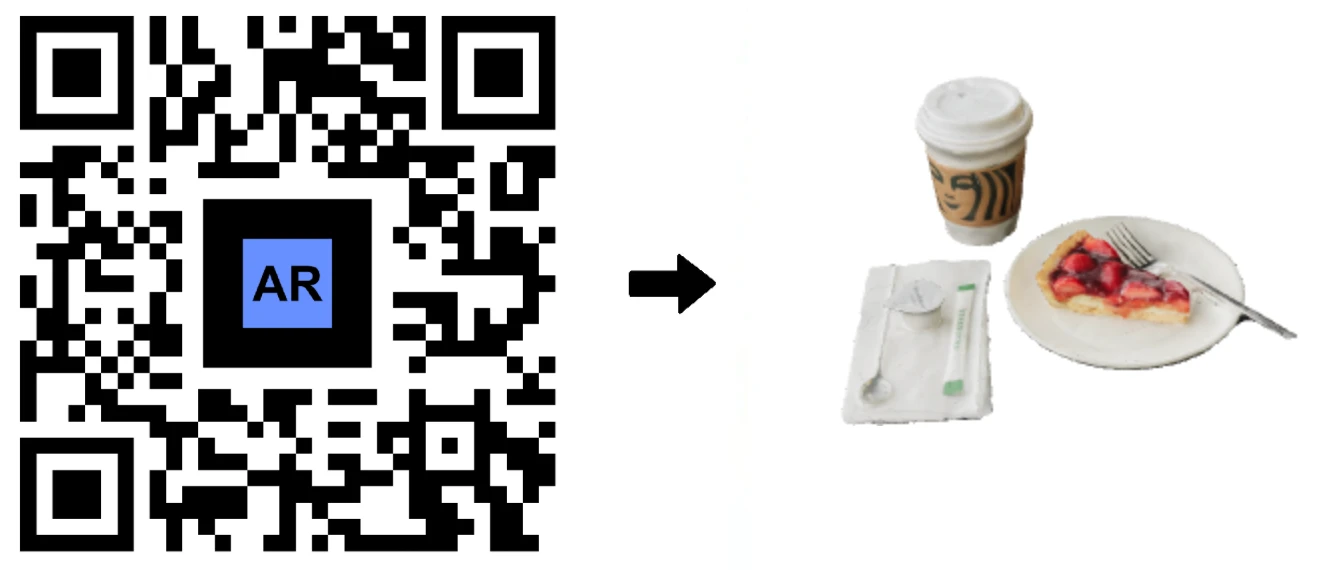
- Museums and Cultural Heritage – Digitally exhibit artifacts, enhance visitor experience, and preserve history with engaging AR tours.
- Retail and E-commerce – Increase sales and reduce returns by sharing interactive 3D previews and AR try-ons with customers.
- Architecture and Real Estate – Display project models, urban plans, and virtual tours using site scans or drone imagery.
- Education and Training – Bring lessons to life with real-world objects turned into AR classroom resources.
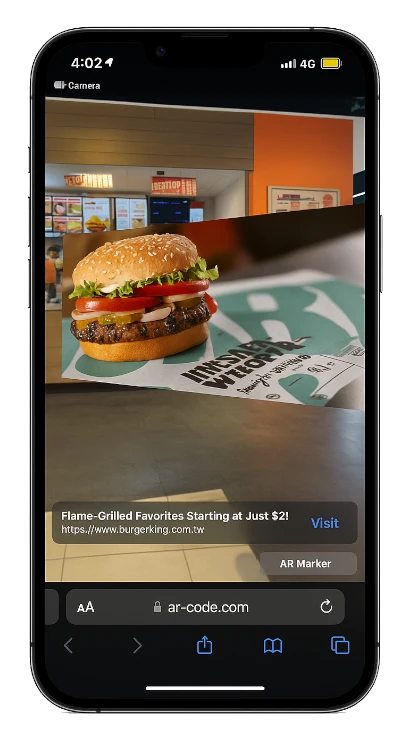
- Events and Marketing – Drive engagement with AR QR Codes on event promotions, packaging, and advertisements.
- Manufacturing and Prototyping – Accelerate innovation by sharing and collaborating on 3D models for rapid prototyping and engineering.
Why Businesses Rely on AR Code Object Capture
AR Code Object Capture provides organizations of all sizes with a rapid way to create branded, interactive AR content using any camera or LiDAR-supported device. Boost product visualization, accelerate the sales cycle, and strengthen customer engagement using an intuitive SaaS platform purpose-built for business.

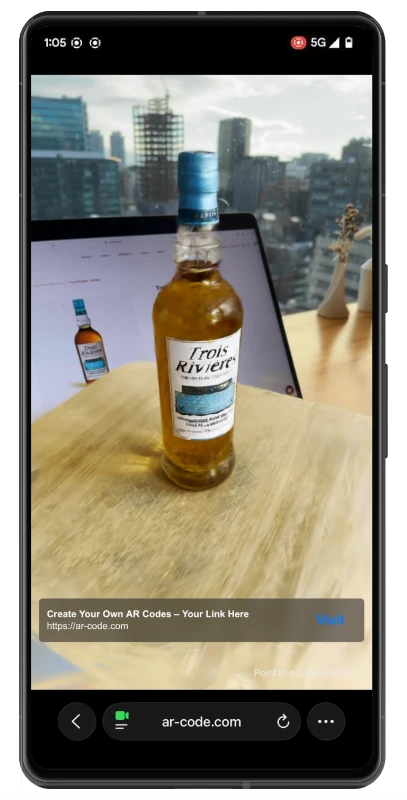
Every scan generates a universal AR QR Code compatible with iOS, Android, PC, and AR/VR headsets. Integrate these codes into packaging, catalogs, advertisements, and social campaigns for maximum reach. Discover the impact of AR for interactive advertising and corporate product catalogs.
From education and cultural institutions to manufacturers and marketing agencies, AR Code Object Capture is the central solution to streamline AR adoption and create measurable business value.
Start Your Augmented Reality Transformation Now

Quickly turn physical products into interactive 3D AR models and distribute them via AR QR Codes all from one powerful platform. AR Code Object Capture is built for every major device to let your business deploy AR experiences without friction or delay.
Easily digitize inventory, art, prototypes, or environments and offer next-generation AR engagement. No matter your device or sector, the AR Code SaaS platform scales with your business. Begin your AR Code SaaS free trial today and enable your team to lead with innovative 3D scanning and AR content.
Frequently Asked Questions
Can I use AR Code Object Capture without a LiDAR-equipped device?
Yes, any iPhone or iPad running iOS 17 or newer can produce high-quality 3D models using the built-in camera. Scans are processed securely in the cloud and result in AR QR Codes, unlocking advanced AR content creation for your team without LiDAR hardware.
What devices and platforms are supported by AR Code Object Capture?
AR Code Object Capture runs on every iPhone, iPad, MacBook M-series (macOS 15+), and works in any modern browser through the AR Code SaaS portal. The system automatically chooses the best workflow—device, cloud, or LiDAR—for your project and scales to business needs.
Who is AR Code Object Capture designed for?
Designed for educators, marketers, designers, architects, and business professionals, AR Code Object Capture makes it easy to turn real objects into engaging AR content. Enhance brand presence and business performance with a streamlined, robust AR platform.
AR Code Tech - Latest Blog Posts
AR Splat: A New 3D Scanning-to-Augmented Reality Solution Based on Gaussian Splatting
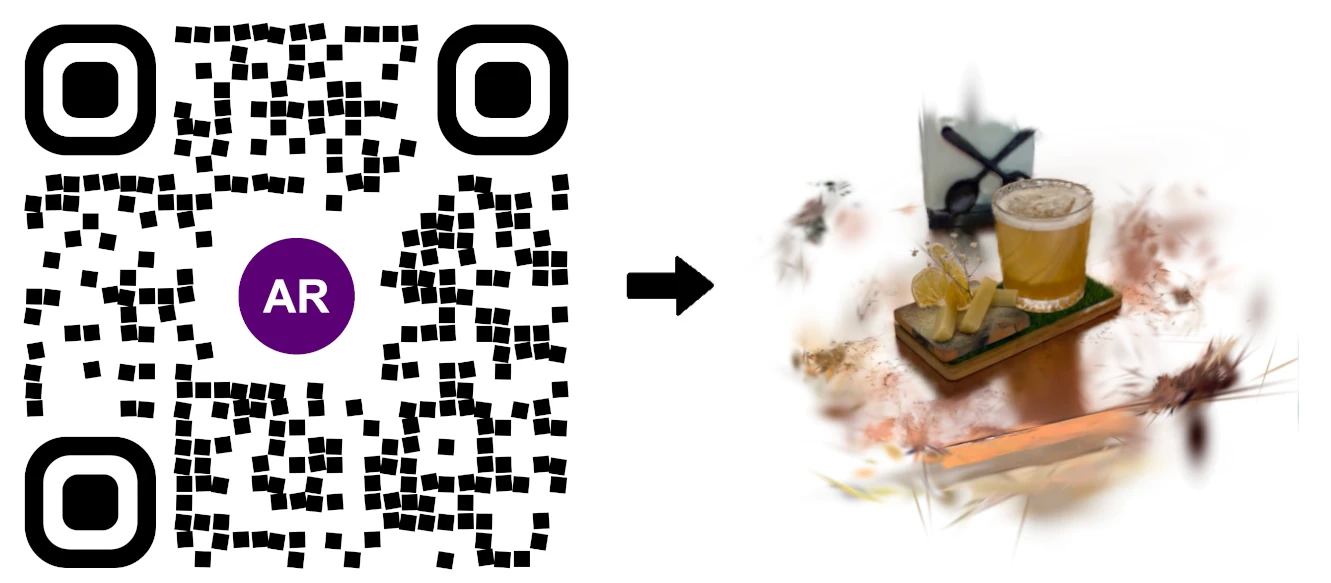
AR Splat by AR Code empowers businesses to create immersive, high-quality 3D environments from simple videos, streamlining 3D content creation for web-based AR experiences. Upload a walk-around video and AR Splat instantly generates a photorealistic 3D scene, accessible directly through an AR QR Code. Driven by...
AI Code’s Image Generation Redefines Product Visualization Through a QR Code Scan

AR Code is transforming Augmented Reality (AR) and Artificial Intelligence (AI) for businesses by providing AI-generated visualizations that engage customers instantly through a QR code scan. Unlock the potential of AI Code for your business and drive customer interaction with immersive AR experiences. Retailers,...
3D Scanning from Video Now Available on the AR Code Web Interface
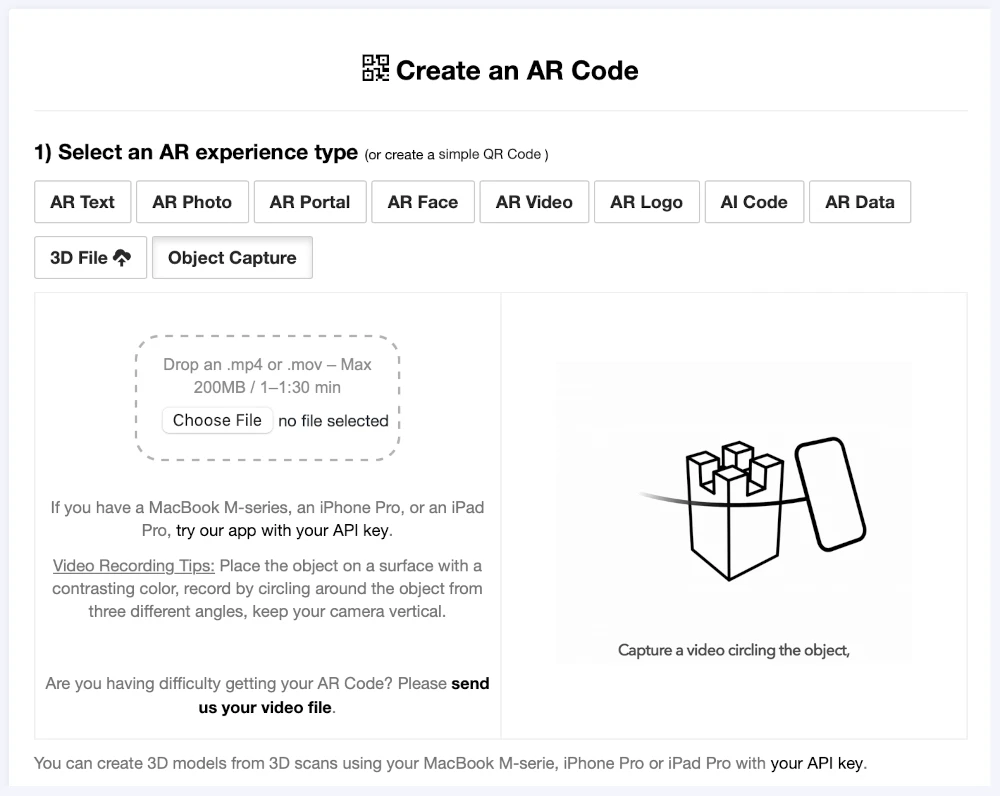
Transform your business with the innovative AR Code Object Capture solution, now available on our web platform. Boost your brand's impact by turning video-based 3D scans into immersive augmented reality content in minutes, all without technical hassles. Forget complicated apps or extra hardware. Upload a...
Guide to 3D Scanning with Our "AR Code Object Capture" Solution
Accelerate your business’s digital transformation with AR Code Object Capture—the leading SaaS platform for 3D scanning and augmented reality experiences that drive growth, engagement, and revenue. Trusted by top organizations, AR Code delivers high-quality 3D model creation for marketing, e-commerce,...
From Video to 3D Modeling: Photogrammetry with AR Code Object Capture on MacBook M-Series
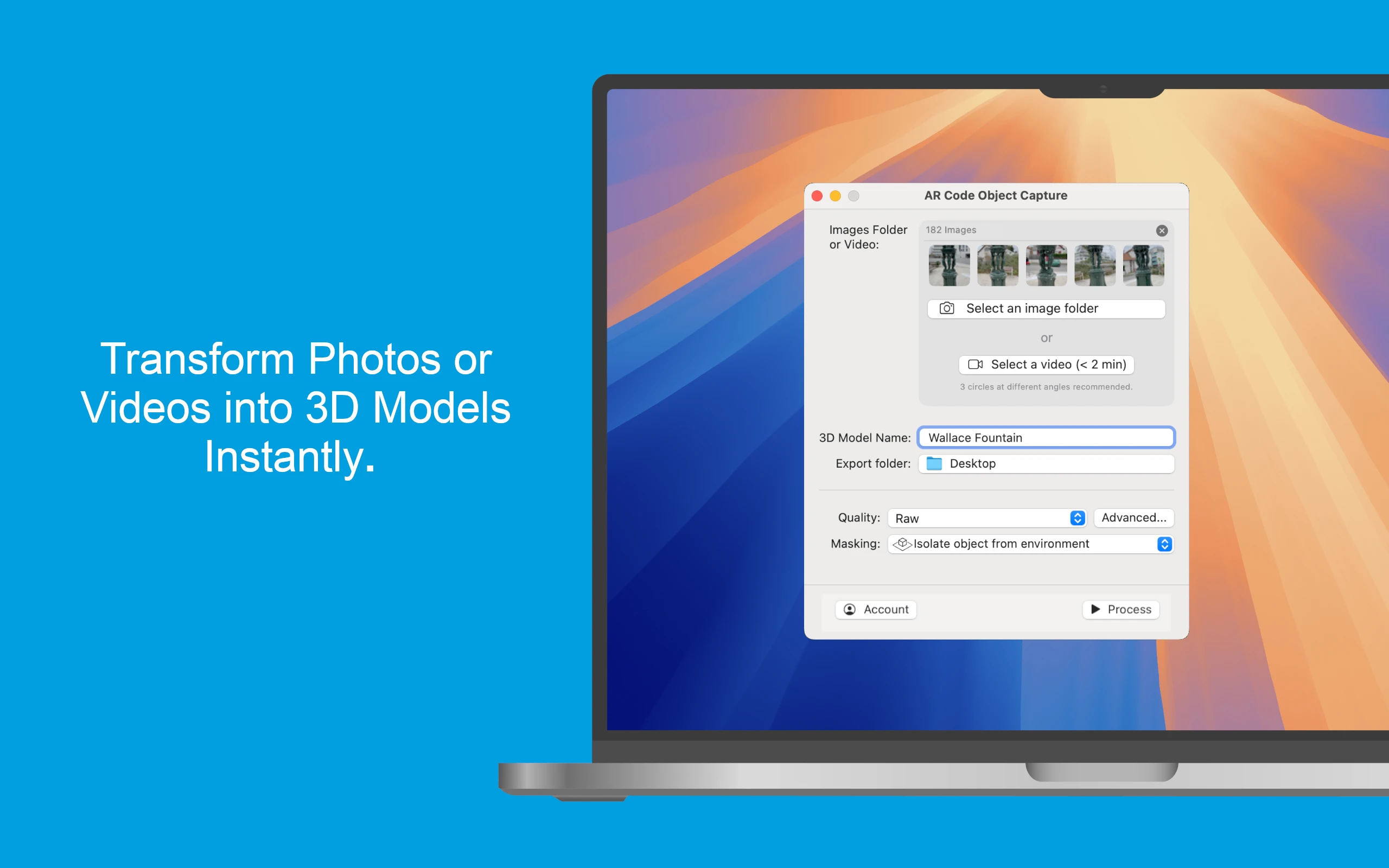
Elevate your business with the cutting-edge AR Code Object Capture app, the premier 3D scanning and augmented reality SaaS platform for enterprises. Purpose-built for MacBook M-series (macOS 15.0+), this app converts real-world products into vivid 3D models and AR QR Codes in just minutes. Seamlessly compatible across...
Personalize Your AR Codes with Innovative Design Options
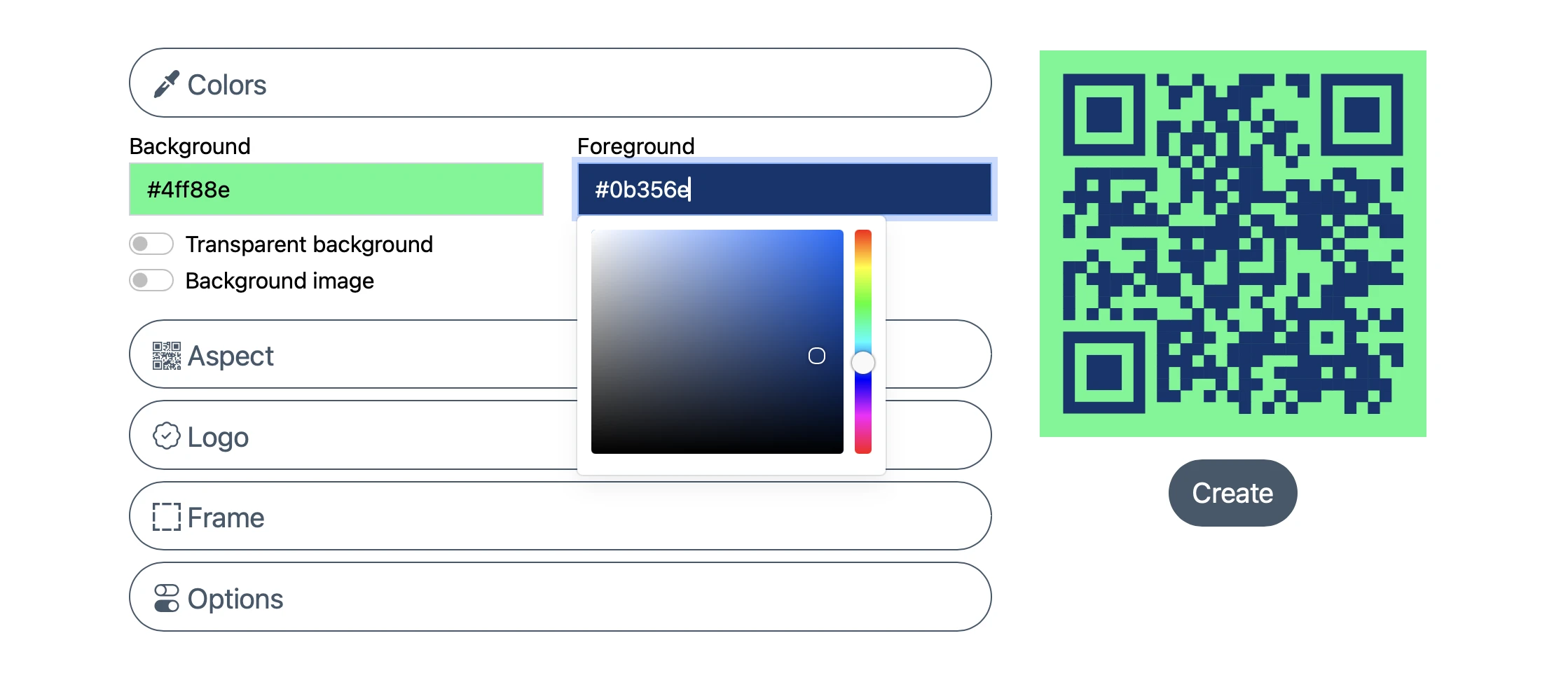
AR Codes are revolutionizing business engagement by seamlessly connecting physical products, print materials, and digital content into interactive augmented reality experiences. Unlike standard QR codes, AR Codes on the AR Code SaaS platform offer advanced visual customization, transforming plain codes into vibrant,...
AR Code's Low-Power SLAM: Augmented Reality for Everyone, Everywhere
Accelerate your business growth with AR Code, the flexible SaaS platform revolutionizing accessibility and engagement in Augmented Reality for companies worldwide. Deploy dynamic AR experiences across premium and affordable devices, from flagship smartphones to entry-level Androids. AR Code’s advanced low-power SLAM...
Revolutionize Your Online Boutique with 3D Scans Using the AR Code Object Capture App
In today’s fast-paced e-commerce world, delivering immersive and interactive shopping is crucial for businesses to stand out. Online shoppers expect to experience products as vividly as in person. AR Code helps companies surpass these expectations through leading-edge Augmented Reality solutions. Using the intuitive...
AR Face Filter Creation Simplified: Boost Brand Engagement with AR QR Codes

Accelerate your brand reach and energize your marketing strategy with the AR Face Filter, an innovative augmented reality SaaS solution from AR Code. Instantly project your logo or images onto users’ faces using advanced AR and AI technology. Perfect for sports teams, event organizers, entertainment brands, and...
Revolutionizing Restaurant Menus with AR Code Object Capture 3D Scanning and AR QR Codes
Transform your dining and business experiences with the AR Code Object Capture tool, a state-of-the-art augmented reality SaaS solution for iPhone, iPad, and MacBook M-Series devices. AR Code enables restaurants and forward-thinking businesses to capture and share vibrant 3D scans of menu items, revolutionizing...
153,384 AR experiences
558,251 Scans per day
129,925 Creators