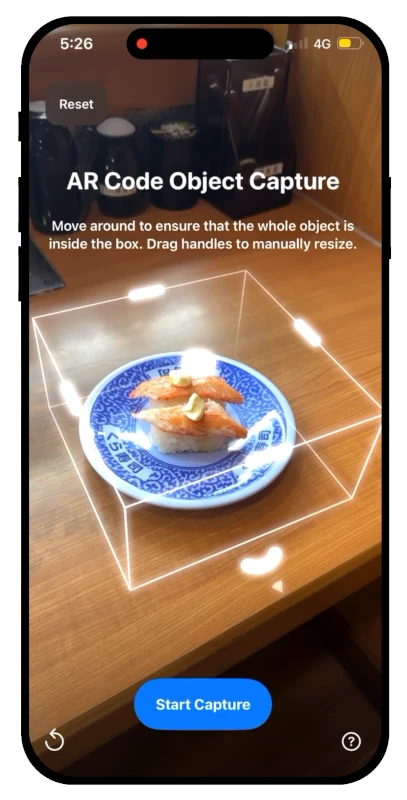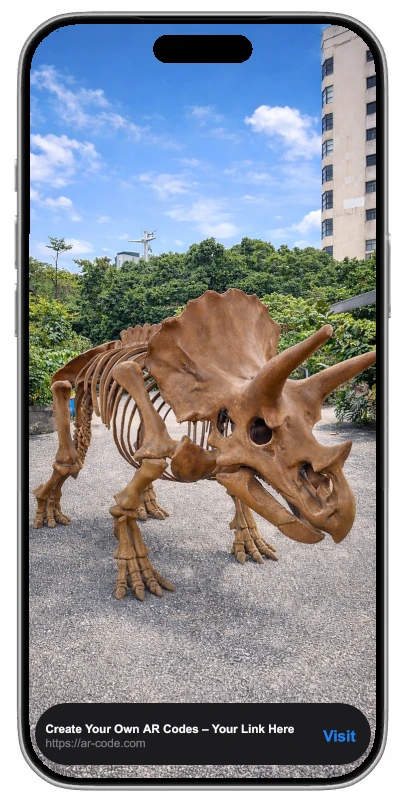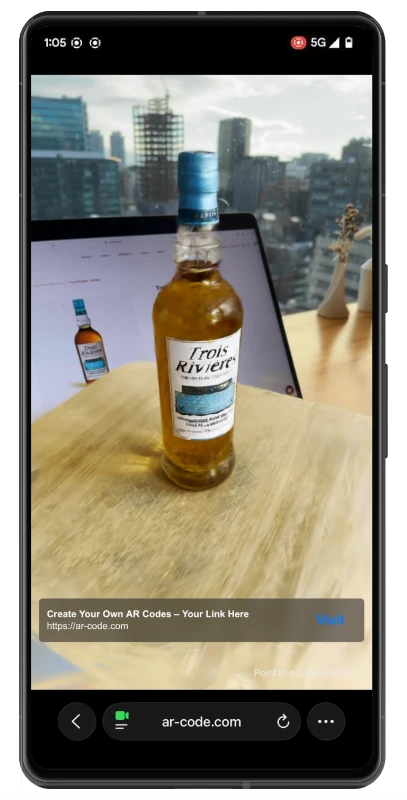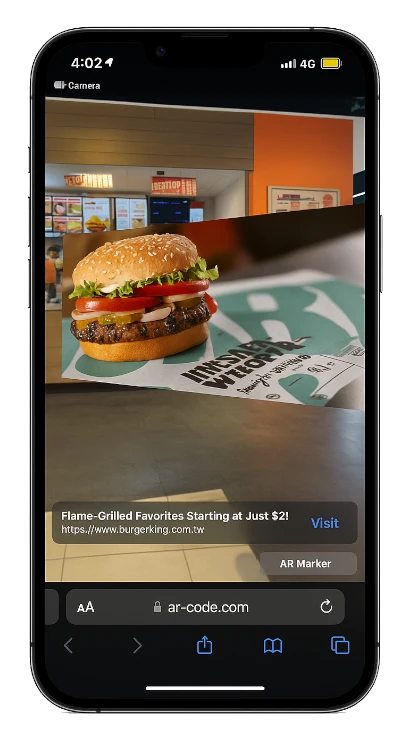
 AR Code Object Capture
 AR Splat
 AR GenAI
 AI Code / AI Try-On
 AR Face Filter
 AR Video
 3D Files Upload
 AR Logo
 AR Photo
 AR Portal
 AR Text
 AR Data API
 Education & Schools
 E-commerce Brands & Online Stores
 Fitness & Sports Clubs
 Manufacturing, Training & Safety
 Marketing Teams & Agencies
 Museums & Exhibitions
 Real Estate & Property Marketing
 Restaurants & Cafés
 Retail Stores & Showrooms
 Smart Cities & Urban Development
 Books, Guides & Magazines
 Business Cards
 Event Posters & Banners
 Event Tickets & Access
 Flyers & Brochures
 Labels & Product Information
 Machinery & Equipment
 Product Packaging
 Websites & Online Stores
Apple continues to drive augmented reality (AR) innovation by embedding leading-edge AR features into iPhone, iPad, and the Apple Vision Pro headset, redefining enterprise workflows and increasing user interaction.
Apple Vision Pro: Advanced Spatial Computing for Business

Launched on February 2, 2024, the Apple Vision Pro provides immersive AR applications in retail, education, manufacturing, and technology, supporting interactive training, product visualization, and collaborative workflows.
Featuring a unique ski goggle form, 12 precision cameras, and 8K ultra-HD displays, Vision Pro enables real-time visualization, life-like demonstrations, and effective team collaboration for business users.
Vision Pro's enterprise features include adaptive motorized lenses, effortless AR-VR mode switching, and seamless AirPods Pro integration to optimize productivity and communications.
With built-in LiDAR scanning, facial expression detection, and full-body tracking, Vision Pro strengthens remote support, interactive meetings, and onsite collaboration in professional environments.
ARKit: The Core of Enterprise AR App Development
Apple’s ARKit empowers businesses to build powerful AR apps for iOS and visionOS, enhancing productivity and spatial computing on Apple Vision Pro.
ARKit Features for Enterprise:
- Visual Inertial Odometry (VIO): Enables accurate device motion tracking, vital for logistics, inspections, and warehouse management.
- Plane Detection: Detects horizontal and vertical surfaces for precise 3D model placement in design reviews, merchandising, and safety training.
- Scene Understanding: Captures environmental data for realistic AR prototypes and interactive sales presentations.
- Light Estimation: Syncs AR content with real-world lighting for compelling marketing displays and immersive customer experiences.
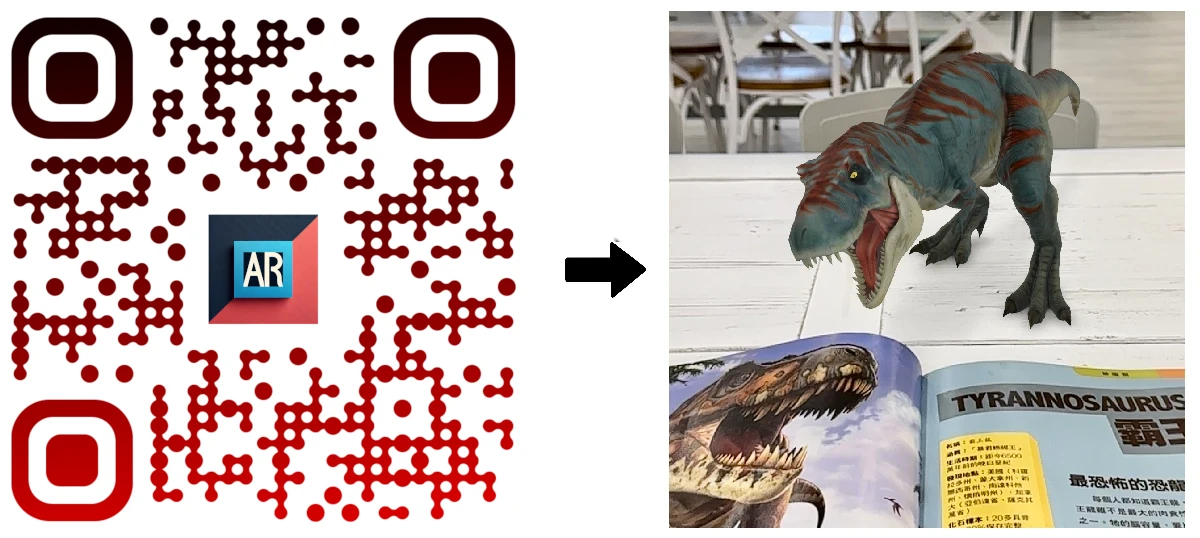
- Image Tracking: Activates interactive AR from printed assets such as product packaging and business collateral. Learn how to scan AR codes.
- Face Tracking: Supports secure, interactive communications in virtual meetings and customer service applications.
AR QR Codes: Instant AR Deployment for Enterprises
AR QR Codes let businesses deploy augmented reality on iOS, visionOS, and Android without additional apps. Use AR QR codes for product demos, interactive onboarding, hands-on training, and engaging marketing campaigns.
Businesses use AR codes on packaging, create AR event brochures, and deliver interactive business cards with AR for digital customer engagement. Explore how to scan AR QR codes for enterprise use.
AR Code’s professional SaaS platform streamlines 3D and AR content creation and distribution with a full suite of solutions:
- 3D File Upload: Host and manage interactive 3D models.
- object-capture: Quickly generate 3D models from real-world items via camera input. See the object scanning guide.
- ar-genai: Automatically create 3D AR experiences from single photos using AI-driven tools for rapid immersive content.
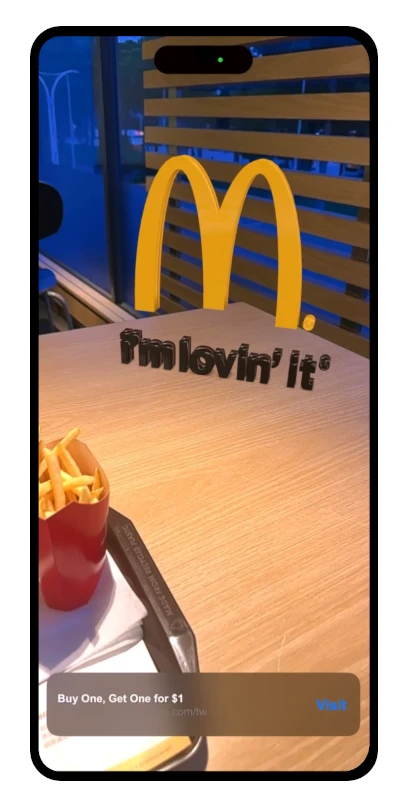
- ar-logo: Transform brand assets into interactive 3D logos. Learn to generate AR logos from SVG.
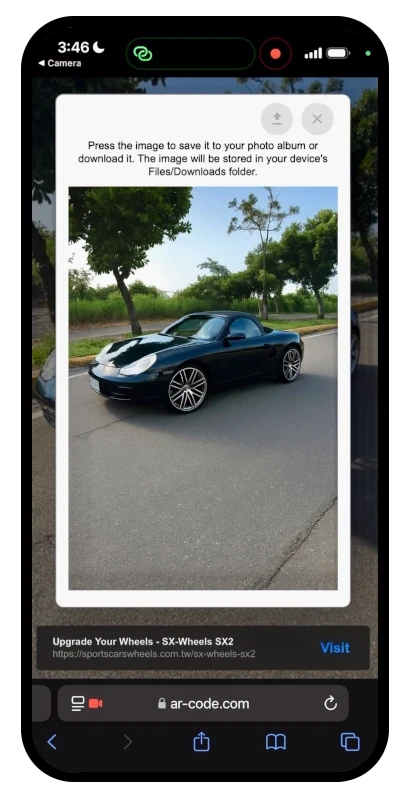
- ar-photo: Display real-world images in AR environments. Access the AR Photo tutorial.
- ar-portal: Design immersive AR portals for virtual tours, on-site training, and remote learning. See the AR Portal guide.
- ar-text: Deliver custom 3D text messages in AR for presentations and announcements. Follow the text-to-AR tutorial.
- ar-video: Integrate video overlays into AR scenes for product launches, instructions, and promotion. Read about how to use AR video for business engagement.
Transform Enterprise Operations with Apple Vision Pro and AR Codes
Leveraging Apple Vision Pro and visionOS with the Gobi framework, businesses can deploy Apple Vision Pro Codes for hands-free spatial interactions in enterprise settings. This technology supports digital workflow optimization, collaborative workspaces, and immersive customer touchpoints.
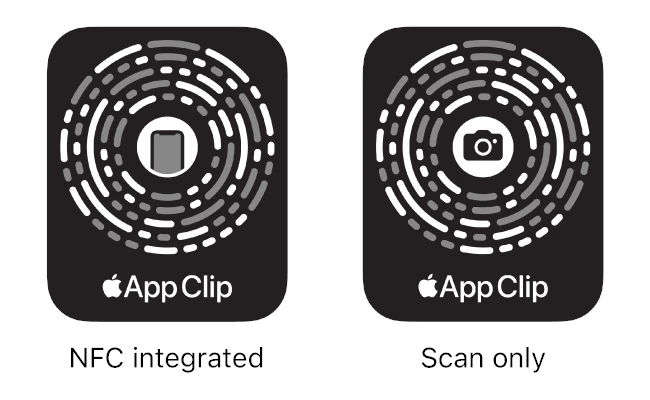
App Clip Codes integrated with AirTags, advanced sensors, and LiDAR support instantaneous access to customized AR experiences, improving operational speed and accuracy. Explore the differences between a QR code and an AR code to select the best solution for your sector.
AR Code SaaS Integration: Full Vision Pro Compatibility
AR Code works seamlessly with Apple Vision Pro and visionOS, delivering scalable AR across iPhone, iPad, and Vision Pro for marketing, education, and enterprise operations. Built on ARKit, it ensures high-performance augmented reality for digital sales, workforce training, and virtual product showcases. Learn about AR Code SaaS plans and licenses for enterprise deployment.
Frequently Asked Questions
When was the Apple Vision Pro Headset released?
Apple introduced the Vision Pro headset on February 2, 2024, advancing enterprise-grade AR technology.
What are the key features of the Vision Pro for business use?
Apple Vision Pro offers 8K ultra-HD displays, 12 advanced sensors, intelligent motorized lenses, immersive spatial audio, integrated LiDAR, and accurate face and body tracking designed for enterprise AR workflows.
What role does ARKit play in AR Code and Vision Pro integration?
ARKit delivers industry-leading AR capabilities to Apple devices. AR Code uses ARKit for seamless compatibility and performance on Vision Pro and visionOS.
How do Apple Vision AR QR Codes work with the headset?
Apple Vision Codes leverage the Gobi framework, enabling instant interactive AR by scanning AR QR Codes with Apple Vision Pro. Learn more at apple-vision-pro-codes-the-future-of-ar-and-qr-codes-on-visionos.
Is AR Code compatible with Apple Vision Pro?
Yes, AR Code is fully supported on Apple Vision Pro and ARKit-enabled devices, empowering enterprises with interactive AR QR codes for digital training, operations, and customer engagement.
147,276 AR experiences
65,514 Scans per day
140,725 Creators